

Instant Summary: In the comparison between Huntr and Teal, Teal is the superior choice for applicants whose primary bottleneck is resume tailoring and ATS keyword matching, offering unlimited free job tracking. Huntr wins for candidates managing complex, high-volume interview pipelines who prioritize visual Kanban boards, one-click application autofill, and contact relationship management.
The huntr vs teal debate sits at the center of modern job search logistics. Managing an active job hunt in 2026 has evolved into a full-scale logistical campaign — with roughly 1.1 unemployed people per job opening reported in early 2026 according to Bureau of Labor Statistics JOLTS data, and long-term unemployment accounting for nearly a quarter of all joblessness, searches now run longer and involve more applications than ever before. When sending dozens of applications across corporate portals, relying on messy spreadsheets quickly causes dropped follow-ups, lost resume versions, and cognitive overload. Dedicated job search platforms solve this friction by centralizing postings, documents, and interview stages into an organized dashboard.
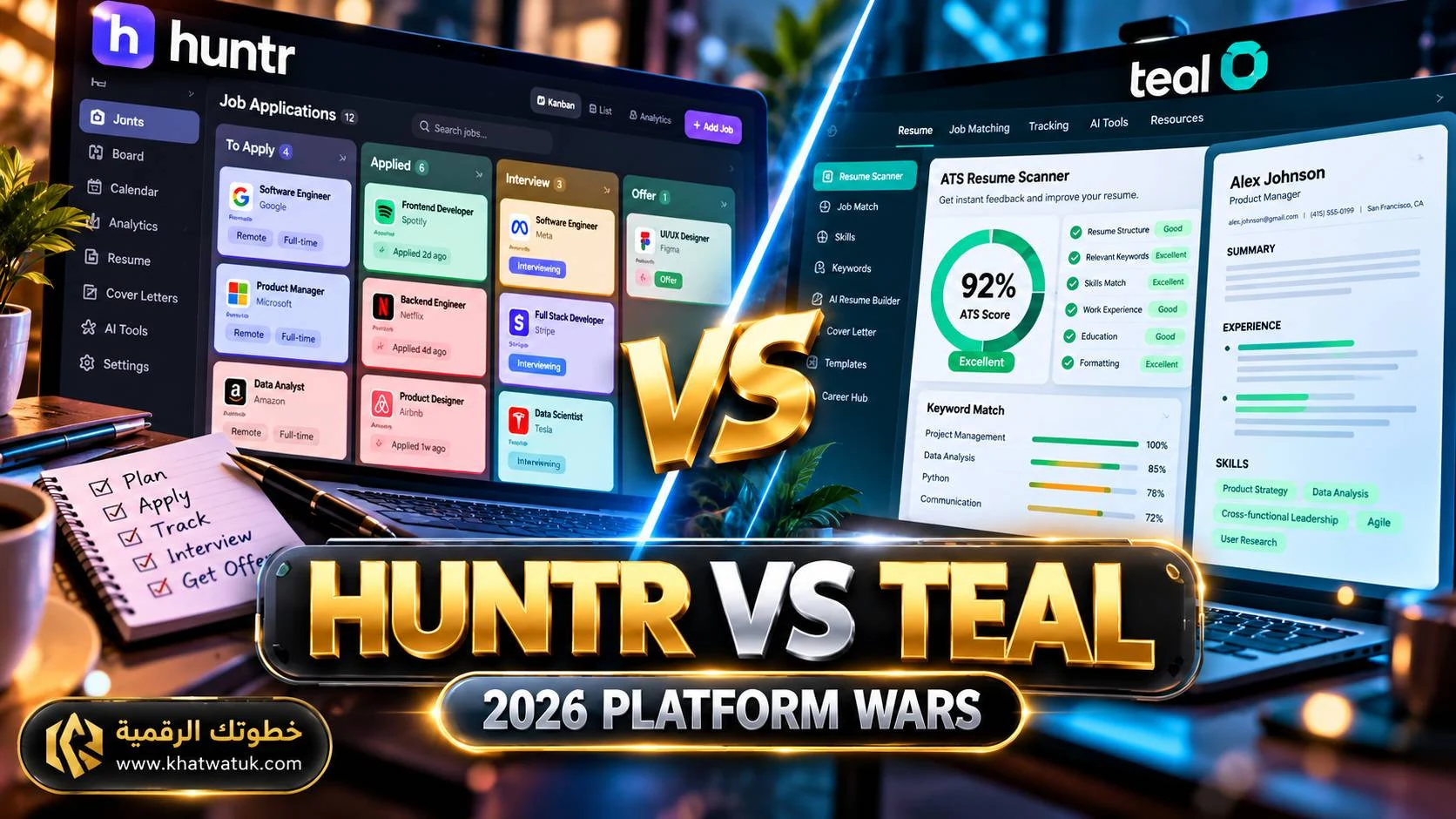 |

Your ideal platform depends on where your application process breaks down. If you regularly reach the final interview stage but lose track of recruiter touchpoints, dates, and technical tasks across dozens of roles — or you want the physical act of submitting forms to go faster — Huntr delivers an uncluttered Kanban workflow paired with autofill. If your major struggle is getting past the initial screen and customizing your resume to match exact job descriptions without hitting a hard usage wall, Teal provides the tooling required to diagnose and fix content gaps for free, indefinitely.
| Evaluation Factor | Huntr | Teal |
|---|---|---|
| Primary Focus | Visual pipeline tracking, CRM organization, and form autofill | Resume tailoring and ATS keyword matching |
| Free Tier Capacity | Capped at 100 tracked jobs; only 2 job-tailored resumes and 2 Application Packets total, ever | Unlimited tracked jobs; limited AI generation credits |
| Premium Pricing | $40/month, $30/month billed quarterly, or $160 billed biannually | $13/week or $29 per 30 days (Teal+) |
| Board Interface | Highly responsive, drag-and-drop Kanban | Structured table, list view, or basic board |
| Application Autofill | Built-in one-click autofill from your Huntr profile on supported job sites | No dedicated form autofill; extension focuses on job clipping and keyword extraction |
| Resume Optimization | Weighted match model covering keywords, responsibilities, and qualifications; Application Packets bundle tailored resume + cover letter | Granular keyword gap analysis and Match Score |
| Best For | High-volume applicants, relationship tracking, and fast form submission | Targeted applications requiring tailored resumes on a free budget |
Understanding the Core Philosophy: Pipeline CRM vs Career Operating System
If you need automated browser extensions and auto-fill bots alongside Kanban tracking, explore our benchmark of the best AI job application tools on the market.
To evaluate these platforms fairly, you must understand the problem each company set out to solve. Neither tool is a simple spreadsheet replacement; they represent divergent methodologies for organizing career transitions. For an end-to-end framework on pipeline stages, status tags, and follow-up cadences, read our step-by-step system on how to track job applications.
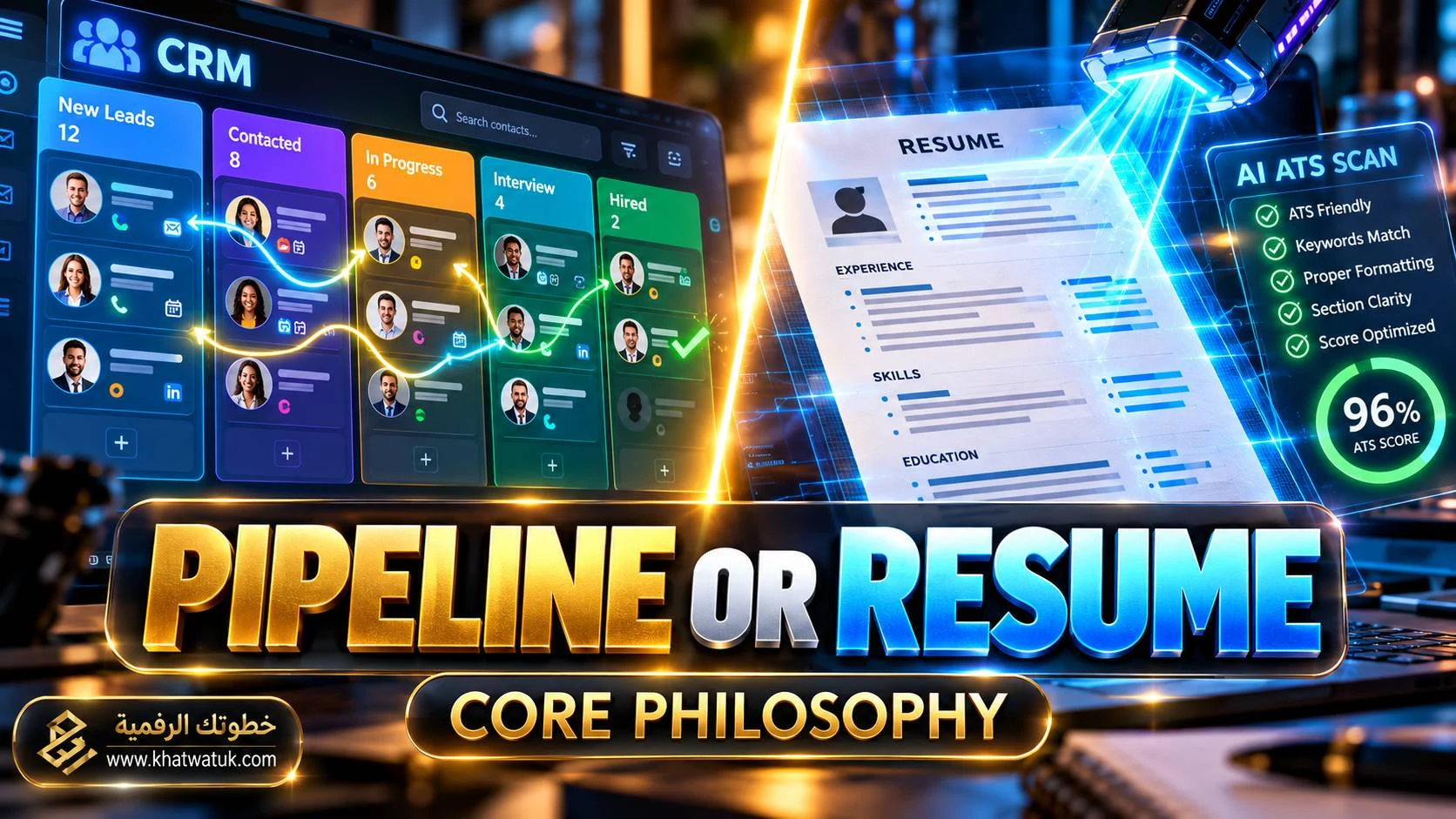
Huntr: The Visual Project Manager for High-Volume Pipelines
Huntr was built from the ground up as a dedicated customer relationship manager (CRM) for job seekers. Inspired by project management platforms like Trello and modern sales CRMs, Huntr structures your search as a horizontal pipeline. Every role exists as an interactive card that moves smoothly across customizable stages such as Wishlist, Applied, Phone Screen, Technical Assessment, and Offer.
The platform minimizes data entry resistance. When reviewing dozens of listings a day, Huntr allows you to log application links, store company contacts, map interview dates, and attach specific document versions without requiring you to engage with complex resume-building software. It prioritizes clarity, speed, and spatial awareness above document manipulation.
Teal: The Resume-Centric Application Command Center
Teal approaches the problem from the opposite direction. Instead of starting with pipeline management, Teal builds its foundation around the job seeker's primary asset: the resume. Teal functions as an end-to-end career operating system that integrates job clipping, application tracking, contact logs, and an advanced resume builder into a unified workspace.
The cornerstone of Teal's workflow is the comparison loop between your master resume and target job descriptions. Rather than treating an application card as a passive container for dates and links, Teal continuously evaluates your experience against target roles. It highlights missing hard skills, flags structural gaps, and calculates a dynamic Match Score to guide your revision strategy before submission.
Head-to-Head Feature Breakdown
Examining individual tools side by side demonstrates how these design differences impact daily productivity during a multi-month job campaign.
Application Tracking and Pipeline Management Interface
Huntr sets the industry benchmark for visual tracking ergonomics. Moving cards across columns feels instant, and editing stage properties takes seconds. Huntr allows users to add custom columns, color-code cards by compensation or location, and track technical assignments alongside direct phone calls. If you think visually and feel energized by clearing stages on a Kanban board, Huntr offers an intuitive workspace.
Teal provides application tracking through customizable list views, spreadsheet-style tables, and a Kanban board layout. While functional, Teal's board interface is denser and requires more clicks to update. However, Teal counters this with deeper filtering capabilities, allowing users to slice their pipeline by compensation ranges, excitement levels, remote status, and checklist completeness.
Autofill Showdown: Does Huntr's One-Click Form Filling Actually Save Time?
This is one of the most practically significant differences between the two platforms, and it's easy to overlook if you only compare marketing pages side by side. Huntr's Job Application Autofill tool is designed to make your job search quicker and more efficient. In practice, once your profile data is saved, Huntr auto-fills application forms for you, drawing from your Huntr profile, and the company states this feature works across thousands of job boards and ATS-powered career pages, cutting the repetitive 30-50 field forms that platforms like Workday and Greenhouse typically demand down to a single click.

Teal's Chrome extension, by contrast, is built around a different job in the workflow: it extracts job description text, surfaces keywords, and calculates your resume's alignment inside the side panel — but it does not attempt to physically populate the employer's application fields for you. If your biggest daily time sink is retyping your address, work history dates, and EEO questions into every Workday portal, Huntr's autofill closes a real gap that Teal leaves open.
Chrome Extension and Job Clipping Capabilities
Both platforms offer high-utility Chrome extensions that sit inside your browser to extract job posting details directly from major career platforms, including LinkedIn, Indeed, Glassdoor, and niche boards.
- Huntr Extension: When activated on a job listing, Huntr pulls the title, organization, location, and salary into a compact card preview. You can assign the listing to any board column, log an associated recruiter, attach notes, and — on supported job sites — trigger the autofill tool to populate the actual application form in one click.
- Teal Extension: Teal extracts the job description text, highlights top keywords automatically, and evaluates the role against your active resume directly inside the side panel. This allows you to evaluate your ATS alignment before bookmarking the position, though you'll still fill out the employer's form manually.
Resume Tailoring and ATS Match Score Accuracy
Resume customization is where the divide between both tools becomes most pronounced. For applicants comparing advanced optimization engines like Jobscan vs Teal, understanding algorithmic scoring is critical to landing interviews.
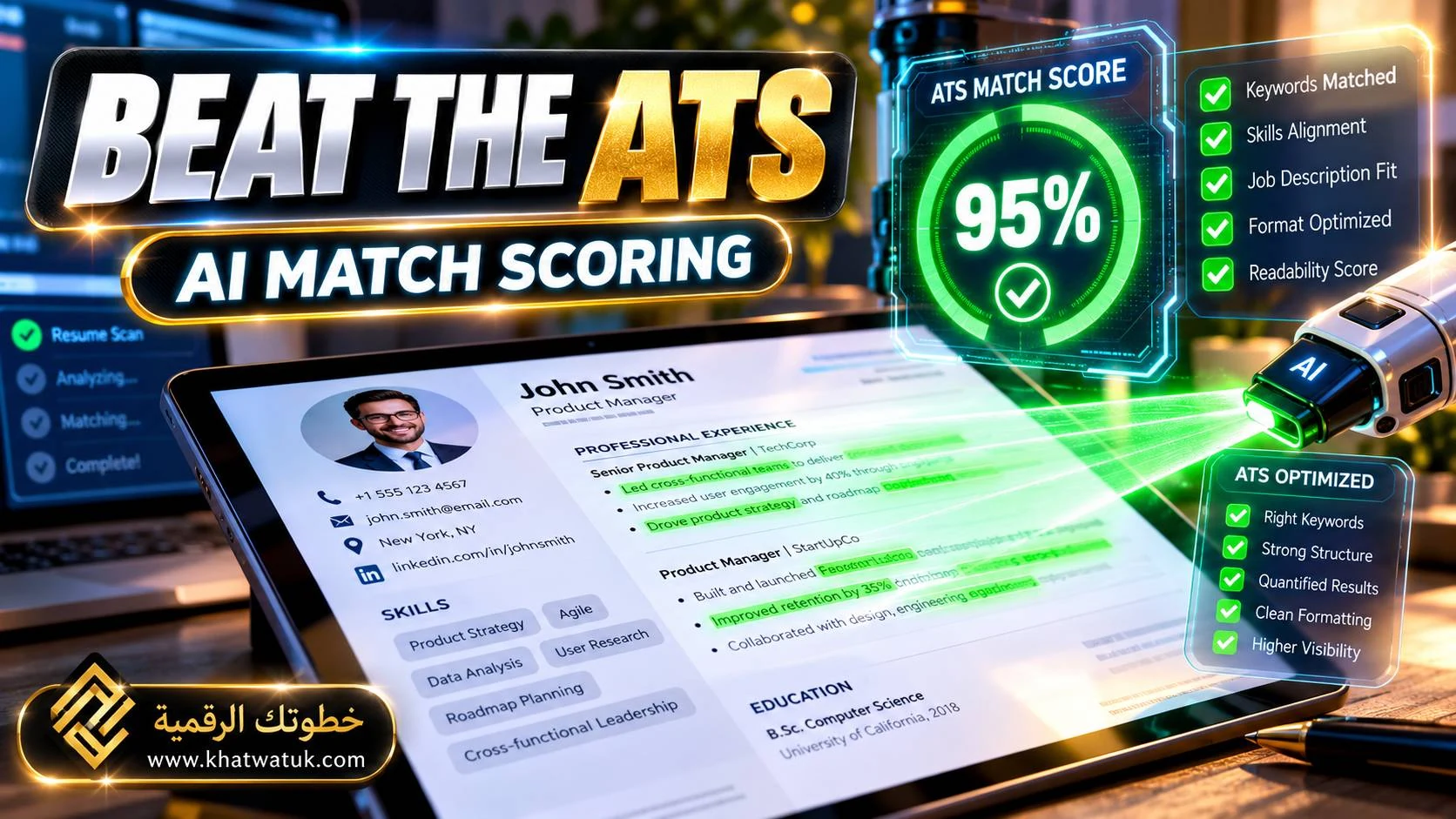
Huntr's matching engine is more sophisticated than a simple keyword tally. On top of keyword matching, Huntr also extracts responsibilities and qualifications from a job description and finds how well your resume matches them, producing what the company calls a weighted Job Match Score rather than a raw keyword count. This output feeds directly into "Application Packets" — bundles that pair a tailored resume with a matching cover letter for a specific job posting. Another practical difference: Huntr suggests matching skills automatically, while Teal requires manual skill entry.
Teal delivers a comparably sophisticated tailoring infrastructure from the opposite direction. Within Teal's resume workspace, you maintain a comprehensive master profile containing every bullet point, achievement, and certification from your career. When targeting a specific vacancy, Teal performs an exhaustive keyword gap analysis. It breaks requirements down into hard skills, soft skills, and role-specific credentials, calculating an alignment score from 0% to 100%.
Candidates weighing platforms that combine visual aesthetics with automated tailoring can compare our evaluations of Teal vs Kickresume as well as Teal vs Enhancv to evaluate layout flexibility.
Huntr's Weighted Match Model and Application Packets: Beyond Basic Keyword Counting
It's a common misconception that Huntr's resume tools amount to a simple keyword scanner. In reality, Huntr's matching system explicitly evaluates responsibilities and qualifications alongside keywords, not keywords in isolation — a distinction the platform positions as more advanced than tools that rely on raw keyword recurrence alone.
Here is a contrarian data point most comparison articles skip: in independent workflow testing published by competing vendors, Huntr's resume scoring was found to overstate alignment with job descriptions, creating a false sense of readiness, while Teal's Match Score was described as reflecting gaps more honestly. Vendor-published benchmarks inevitably favor the vendor. Treat every match score — from either platform — as a directional signal requiring human verification against the actual job description, not as a verdict.
The catch worth understanding before you commit to a workflow: Huntr's free tier limits you to exactly 2 job-tailored resumes and 2 Application Packets, total — not per month, forever — after which the AI tailoring and packet-building features route to the $40/month Pro plan. Everything else on the free tier (unlimited base resumes, 100 tracked jobs, basic matching, and unlimited autofill and contact management) remains accessible without payment.
AI Writing Support and Keyword Gap Analysis
Both platforms have integrated generative AI to accelerate resume drafting, though their outputs serve different stages of preparation.
Huntr utilizes artificial intelligence to generate initial bullet point drafts, rephrase achievements using active verbs, and draft cover letters matched to company listings as part of its Application Packets. The feature helps eliminate writer's block, though users must edit the drafts carefully to remove generic phrasing. Applicants seeking standalone cover letter tooling can reference our guide to the AI cover letter generator market.
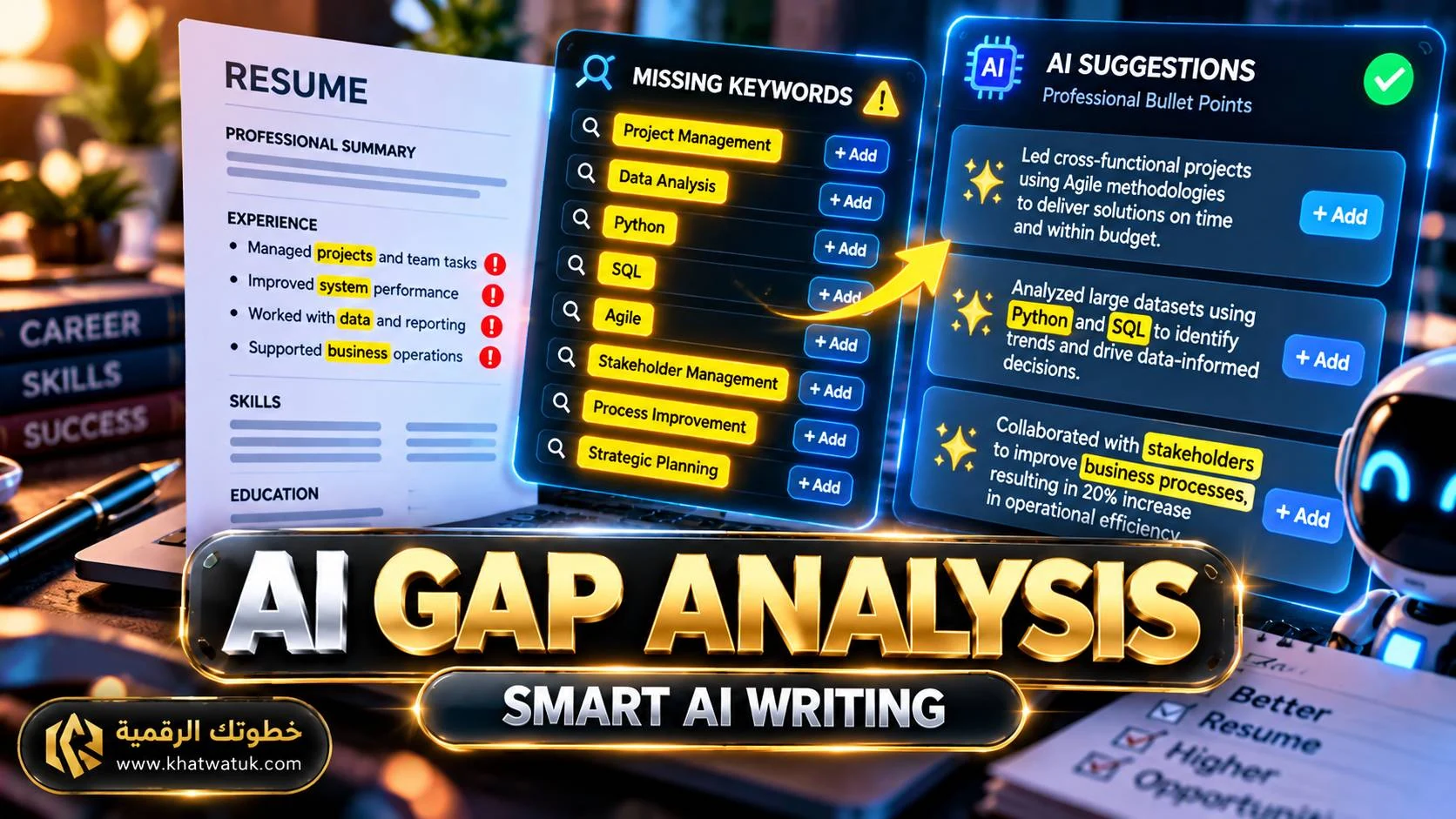
Teal integrates AI directly into its keyword gap analysis module. When Teal highlights an unfulfilled skill requirement, you can prompt the AI assistant to rewrite your existing career accomplishments to incorporate that skill naturally. Furthermore, candidates exploring pure ATS scoring tools often review Teal vs Rezi to determine whether structured bullet generation or manual keyword optimization yields higher callback rates.
Resume Export Formats: PDF and DocX Handling
Export flexibility matters more than most applicants expect, particularly when an employer or recruiter requests an editable file. Huntr supports exporting resumes in both PDF and DocX formats, while Teal prioritizes clean, ATS-friendly PDF exports and remains PDF-only according to multiple 2026 third-party comparisons. If you regularly work with recruiters who request editable documents, this small difference can save a formatting round-trip.
Contact Management, Notes, and Recruiter Follow-Ups
Organizing hiring manager communications is essential for landing executive and specialized positions. Applicants in senior tiers should also examine the best resume builder for executives to ensure their documentation aligns with senior screening practices.
Huntr delivers a true CRM experience for networking. Users can log contacts under specific corporate entities, link hiring managers to active job cards, set follow-up notification dates, and record phone interaction summaries — all included free and unlimited even on the no-cost tier. The platform acts as a protective ledger against dropped opportunities.
Teal incorporates a dedicated contacts tab within its workspace. It allows you to save LinkedIn connections directly via the browser extension, assign them to target companies, and schedule reminder dates. While effective for tracking primary contacts, Huntr's relationship mapping offers superior visual clarity when managing multiple interview panels across high-growth companies.
Huntr's Map View and Mobile App: Two Underrated Advantages
Two Huntr features rarely appear in feature comparison tables yet deliver daily practical value. First, Map View visualizes the geographic locations of your saved employers on an interactive map, letting you prioritize roles by commute distance — increasingly relevant as hybrid work mandates push candidates to weigh office attendance days. Second, Huntr offers a dedicated mobile app for logging applications and checking pipeline status on the go, while Teal's experience remains primarily web-based with limited mobile functionality. For commuters and candidates who interview during lunch breaks, these two features meaningfully widen Huntr's real-world advantage.
Enterprise ATS Compatibility: Testing Workday, Greenhouse, and Lever
Modern job applications rarely use standardized inputs. Job seekers regularly navigate multi-stage enterprise portals such as Workday, single-page application systems like Lever, and structured forms within Greenhouse.

| ATS Platform | Huntr Integration Performance | Teal Integration Performance |
|---|---|---|
| Workday | Captures job URL reliably; autofill populates visible form fields where the site permits extension access. | Extracts requirements accurately; highlights required skills for multi-page forms, but no form autofill. |
| Greenhouse | Instant clipping of role parameters and recruiter data; autofill covers standard fields in one click. | Immediate keyword parsing; high scoring accuracy on single-page requirements. |
| Lever | Full metadata capture; easy attachment of specific resume versions plus autofill support. | Precise match calculations against concise job specification formats. |
When applying through heavy corporate portals, candidates comparing resume builders often debate Huntr vs Jobscan to weigh keyword extraction against pipeline organization. For a broader perspective on automated workflows, our testing of the best AI job application tool landscape reviews how autofill extensions perform in high-volume environments.
Pricing Structure and Value Assessment: Huntr Pro vs Teal Plus
Software cost can significantly impact your search strategy during extended career transitions. Choosing between free tiers and paid subscriptions requires understanding where the paywalls sit. Always confirm current figures on the official Huntr pricing page and Teal pricing page before purchasing, as billing intervals and AI credit allowances change frequently.
Free Tier Comparison: The 100-Job Limit vs Unlimited Tracking
The free tier boundary is one of the most critical structural differences between the two products:
- Huntr Free Tier: Provides unlimited base resumes, unlimited contact management, unlimited application autofill, and Kanban pipeline tracking, but imposes a strict cap of 100 tracked jobs along with a lifetime cap of 2 job-tailored resumes and 2 Application Packets, total. Once you use those two AI-tailored slots, the tailoring and packet features lock behind Huntr Pro.
- Teal Free Tier: Grants unlimited job tracking with zero cap on saved vacancies. However, free users receive limited access to deep keyword gap analysis, basic Match Score calculations, and a restricted pool of AI generation credits — reported in third-party coverage as roughly 10 credits total on the free plan.
Paid Tier Economics: Weekly Flexibility vs Monthly Commitments
Upgrading to premium features reveals distinct billing structures that favor different application tempos.
Huntr Pro costs $40 per month, with options to pay $30 per month when billed quarterly ($90 upfront) or roughly $26.67 per month when billed biannually ($160 upfront). Huntr Pro unlocks unlimited job-tailored resumes, unlimited Application Packets, unlimited job tracking, advanced job matching, and expanded AI features. For high-volume job hunters, the $40 monthly price tag is a substantial recurring expense, though the biannual option meaningfully narrows the gap versus Teal over a longer search.
Teal structures its premium tier, known as Teal+, with flexible pricing. Teal+ is currently listed at $13 per week, or alternatively $29 per 30 days, with a 90-day option around $79. The weekly option provides significant financial efficiency for candidates who only require intensive AI tailoring during an active, concentrated application sprint.
Students and early-career job hunters looking for budget-friendly alternatives can explore our review of the best resume builder for students, while seasoned workers can reference the best resume builder for professionals to determine overall software return on investment.
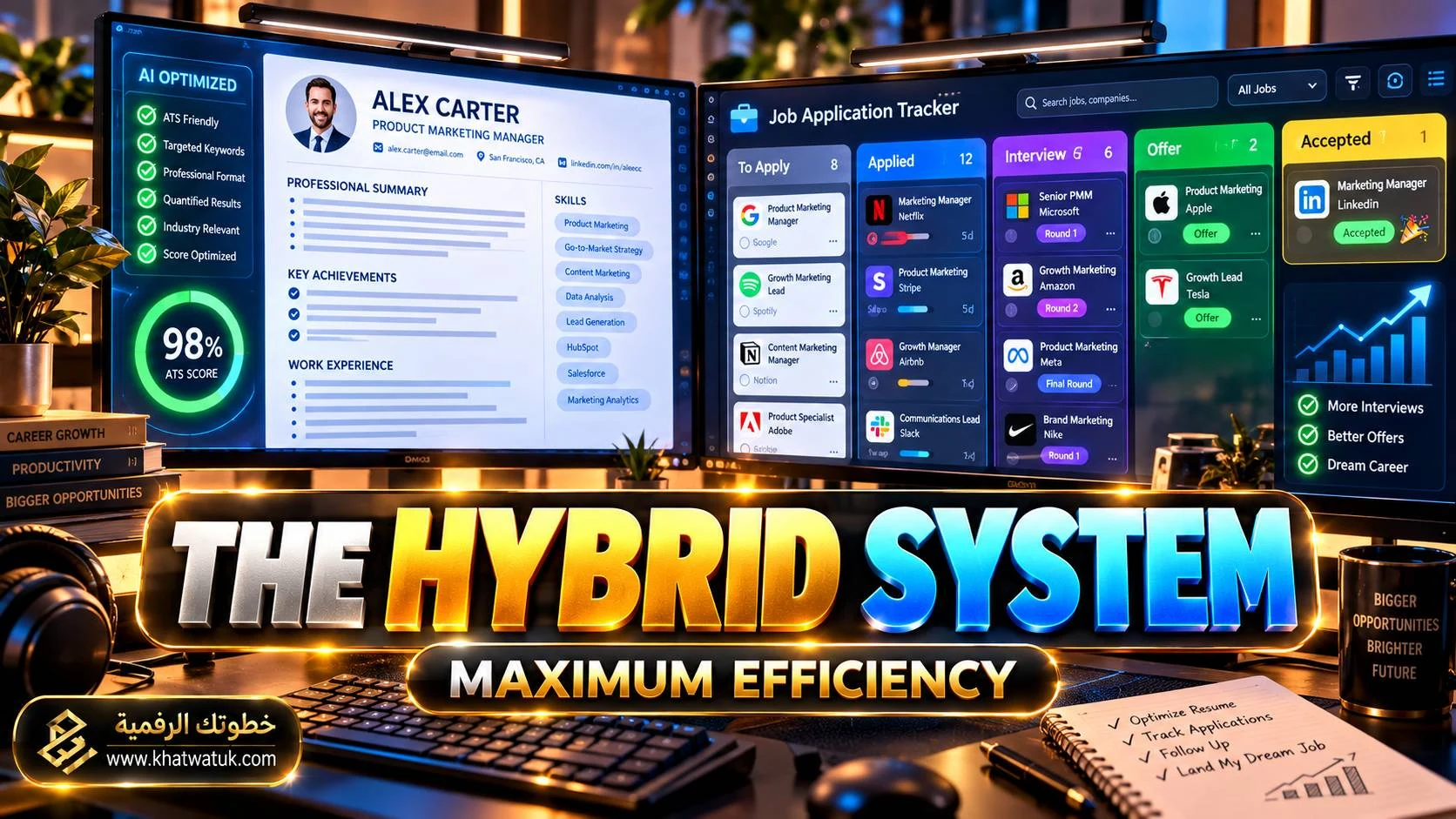
The Ultimate Hybrid Workflow: Leveraging Both Tools for Maximum Efficiency
Serious applicants do not have to limit themselves to an exclusive tool. Because both platforms provide robust free plans, you can build a streamlined hybrid workflow that extracts the strengths of each platform without spending a dollar on subscriptions.
- Stage 1: Job Discovery and Clipping: Use the Teal Chrome extension on LinkedIn or Indeed to save promising job descriptions and review instant keyword requirements.
- Stage 2: Resume Optimization in Teal: Open Teal's resume builder to adapt your bullet points against highlighted missing hard skills until you achieve an alignment score between 75% and 85%. Export your clean, ATS-compliant PDF.
- Stage 3: Application Submission via Huntr Autofill: Save the same job listing into Huntr and trigger its autofill tool to populate the employer's application form automatically, attaching your Teal-tailored PDF before submitting manually on the employer's portal (Workday, Greenhouse, or company career page).
- Stage 4: Pipeline Organization in Huntr: Log the submitted role onto your Huntr Kanban board. Attach the exact PDF version submitted, set a follow-up reminder date, and record the recruiter's name and contact information in your Huntr CRM ledger.
This hybrid approach prevents you from hitting Huntr's 100-job limit prematurely (by only logging submitted roles rather than raw wishlist bookmarks) while retaining Teal's superior free tailoring power and Huntr's free autofill speed for every submission.
Frequently Asked Questions
Is Huntr better than Teal for entry level applicants?
Huntr is easier to pick up if you primarily need a clear visual pipeline and fast form autofill to track dozens of campus or entry-level submissions. However, Teal is generally more valuable for new graduates because entry-level applicants often need unlimited, ongoing guidance on translating coursework and projects into ATS-recognized keywords rather than a two-use tailoring cap.
Which platform handles resume exports better, Huntr or Teal?
Huntr currently has the export advantage: it supports both PDF and DocX downloads, while Teal prioritizes clean, ATS-friendly PDF exports and remains PDF-only per current third-party comparisons. If a recruiter requests an editable file, Huntr saves you a conversion step.
Why does Huntr cap its free tier at 100 jobs and only 2 tailored resumes, while Teal offers unlimited tracking?
Huntr monetizes its AI tailoring layer (job-tailored resumes and Application Packets) as its primary paid product; capping free users at two lifetime uses of that feature pushes power users toward Pro. Teal monetizes deeper AI tailoring and advanced resume diagnostics instead, allowing them to offer unlimited basic job tracking for free while still gating some AI credits behind Teal+.
How accurate are the ATS match scores generated by Teal and Huntr?
Match scores on both platforms serve as heuristic guides rather than guarantees. Teal provides a thorough breakdown by categorizing hard skills versus soft qualifications, while Huntr uses a weighted model that also factors in responsibilities and qualifications rather than raw keyword recurrence alone. Independent testing has suggested Huntr's score can overstate alignment while Teal's tends to be stricter — but neither vendor publishes independent proof that its score matches every employer's actual ATS, and neither score guarantees interview invitations if the underlying accomplishments lack measurable context.
Does Huntr's autofill actually submit applications automatically?
No. Huntr's autofill populates the visible fields on a supported job application form using your saved profile data, but it does not click the final submit button for you. You still review every field and manually confirm the submission, which keeps you in control and avoids accidental or low-quality mass applications.
Can an applicant run Huntr and Teal simultaneously without paying for subscriptions?
Yes. Many candidates use Teal's free tier for its resume builder and keyword analysis, then use Huntr's free autofill and Kanban board to submit and track their applications. By only logging submitted applications in Huntr and saving your two free AI-tailored slots for your highest-priority roles, you can stay within Huntr's free limits for months.
Which platform handles enterprise ATS portals like Workday and Greenhouse more effectively?
Teal performs slightly better on the resume-scoring side of enterprise portals because its extension extracts extensive keyword lists directly from long Workday descriptions. Huntr edges ahead on the submission side, since its autofill can populate standard fields on Workday, Greenhouse, and Lever forms directly, saving time once you're ready to apply.
Which tool works better on mobile devices?
Huntr currently offers the stronger mobile experience via a dedicated app for logging applications and checking pipeline status on the go. Teal remains primarily a web-based workspace with limited mobile functionality, so candidates who frequently update their tracker from a phone will find Huntr more convenient.
What happens to your application data if you cancel Huntr Pro or Teal Plus?
Canceling your subscription reverts your account to the respective free tier. In Teal, all saved jobs and resumes remain accessible, but advanced keyword insights and AI features lock. In Huntr, your cards, contacts, and autofill remain available, but your job-tailored resumes and Application Packets revert to the 2-total free limit, and you'll be prompted to upgrade before adding new tracked jobs past 100.
Final Verdict and Next Steps
When choosing between huntr vs teal, let your primary operational bottleneck guide your decision. If you struggle with resume relevance, missing ATS keywords, and tailoring documents for selective openings without hitting a usage cap, Teal is the definitive recommendation. Its unlimited free tracking and granular keyword gap analysis provide the highest immediate value for getting noticed by recruiters.
If you already possess an approved resume and your primary challenge is managing a complex, multi-stage pipeline with follow-up deadlines, recruiter relationships, long commutes you want to map visually, and the sheer physical time cost of filling out repetitive application forms, Huntr remains the premier visual job tracker in the category thanks to its Kanban board, built-in autofill, map view, and mobile app. For an optimized search, consider testing our hybrid blueprint: tailor your documents using Teal, then submit and manage your pipeline using Huntr.
To continue building an unfair advantage in your job search, explore our deep-dive comparison of Rezi vs Kickresume to evaluate dedicated designer templates versus pure AI optimization.
🔎 Recommended Reading: Compare how Huntr and Teal stack up against all competitors in our roundup of the best AI job search platforms in 2026, see how automated form runners compare in our review of the best AI job application bots, or put your workflow into high gear with our complete guide on how to automate your job search step-by-step.
