

If you have ever submitted dozens of applications into the void and heard nothing back, the problem is not your experience — it is your keyword alignment. According to established resume guidelines from Harvard University Career Services, formatting clarity and targeted keyword matching are decisive factors in passing initial automated screens. Today, two tools dominate the conversation around beating ATS algorithms: Jobscan and Teal. But they approach the job hunt from fundamentally different angles — one is a precision scanner, the other is a career command center.
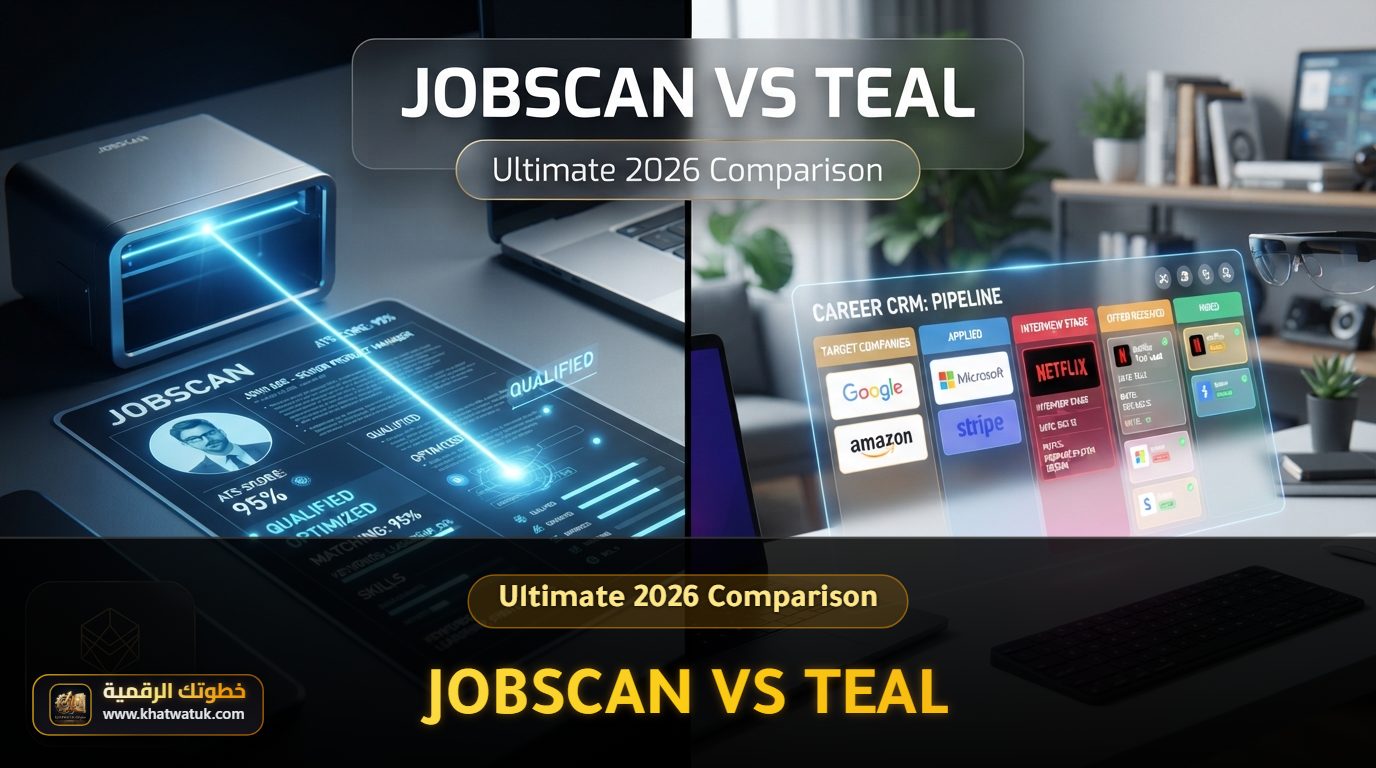
Both platforms help job seekers optimize their resumes, but they serve fundamentally different needs. Jobscan is a precision ATS scanner that tells you exactly which keywords to add and which formatting errors will get your resume rejected. Teal is a career operating system that manages your entire job search — from tracking applications to tailoring resumes for specific postings. The right choice depends on whether your primary bottleneck is optimization depth or workflow organization.
Quick Answer: Choose Jobscan if you already have a resume and need it to pass ATS keyword screening with surgical precision. Choose Teal if you are managing 10+ active applications and need a centralized tracker with built-in tailoring. For maximum results, use Jobscan to optimize and Teal to organize — together they cover 100% of the job search workflow.

Jobscan vs Teal at a Glance: Full Comparison Table
| Key Feature | Jobscan | Teal |
|---|---|---|
| Core Strength | Deep ATS keyword scanning and optimization | Job search tracking and resume tailoring |
| ATS Match Score | ✓ Match Rate — detailed keyword report | Match Score (80%+ considered strong) — Teal+ only |
| Job Application Tracker | ✗ Basic tracker, no reminders | ✓ Full Kanban CRM Board |
| Chrome Extension | Limited | ✓ 1-Click job saver (40+ boards) |
| LinkedIn Optimization | ✓ Built-in LinkedIn scanner | Analysis through extension |
| AI Resume Builder | ✓ AI Resume Coach (interview-based) | Resume builder with tailoring |
| Auto Apply | ✓ New (June 2026) — 2 credits/month on Premium | ✗ Manual submission only |
| Cover Letters | ✓ AI-generated cover letters | AI bullet points and summaries |
| Free Tier | 5 scans/month + free builder & tracker | Unlimited resumes & tracking, 10 AI credits, Match Score locked |
| Pricing 2026 | $49.95/month or $89.95/quarter | $13/week, $29/month, or $79/quarter |
What Is Jobscan and How Does It Work?
Jobscan is the original ATS resume scanner — and it remains the gold standard for keyword optimization. Founded in Seattle in 2013, it grew with one obsessive goal: tell job seekers exactly what applicant tracking systems see when they parse their resume. Unlike general resume builders, Jobscan does not try to be everything. It focuses on one thing: getting your resume past automated screens.
Jobscan works by comparing your resume against a specific job description and generating a detailed Match Rate — a score showing how closely your keywords align with what the ATS is programmed to find. It goes far beyond simple keyword matching, analyzing formatting compatibility, job level alignment, education requirements, and even providing ATS-specific tips for enterprise systems like Workday, Greenhouse, and Taleo.
Jobscan's Key Advantages
- Precision Match Rate: Unlike vague "ATS scores" from competitors, Jobscan provides a detailed breakdown of matched, missing, and suggested keywords — both hard skills and soft skills — plus specific recommendations for where to place them.
- Power Edit: A live-editing mode that scores your resume as you type, so you can watch your Match Rate climb in real time instead of scanning, switching tabs, and re-scanning.
- ATS-Specific Formatting Tips: Enter any company name and job title, and Jobscan identifies which ATS system the employer uses (Workday, Greenhouse, Taleo, Lever) and provides tailored formatting advice for that specific parser.
- Job Level Match: A unique feature that compares your experience level against the seniority requirements in the job description, preventing you from wasting time on roles that are above or below your level.
- LinkedIn SEO Optimization: Jobscan includes a dedicated LinkedIn optimizer that scans your profile against target job descriptions — a feature Teal does not offer natively.
- AI Resume Coach: Interviews you step-by-step about your experience and generates quantified bullet points as you answer, creating a base resume faster than Teal's multi-step setup.
- Auto Apply (launched June 2026): Jobscan now submits applications on your behalf with human review of every application, supporting Lever, Workable, and 20+ ATS platforms. Premium includes 2 auto-apply credits per month, with extra credit packs available.

What Is Teal and How Does It Work?
Teal takes a fundamentally different approach. Rather than optimizing a single resume, it builds an entire career management ecosystem around your job search. At its core, Teal combines a resume builder, a job application tracker, and a Chrome extension into one unified platform — making it ideal for active job seekers who need to manage high application volumes.
Teal's signature feature is its Chrome extension that works across 40+ job boards. When you browse LinkedIn, Indeed, Glassdoor, or ZipRecruiter, one click saves the job directly to your Kanban tracker. From there, Teal's Matching Mode analyzes the job description against your resume and generates a Match Score showing exactly which keywords to add for each specific application.
Teal's Key Advantages
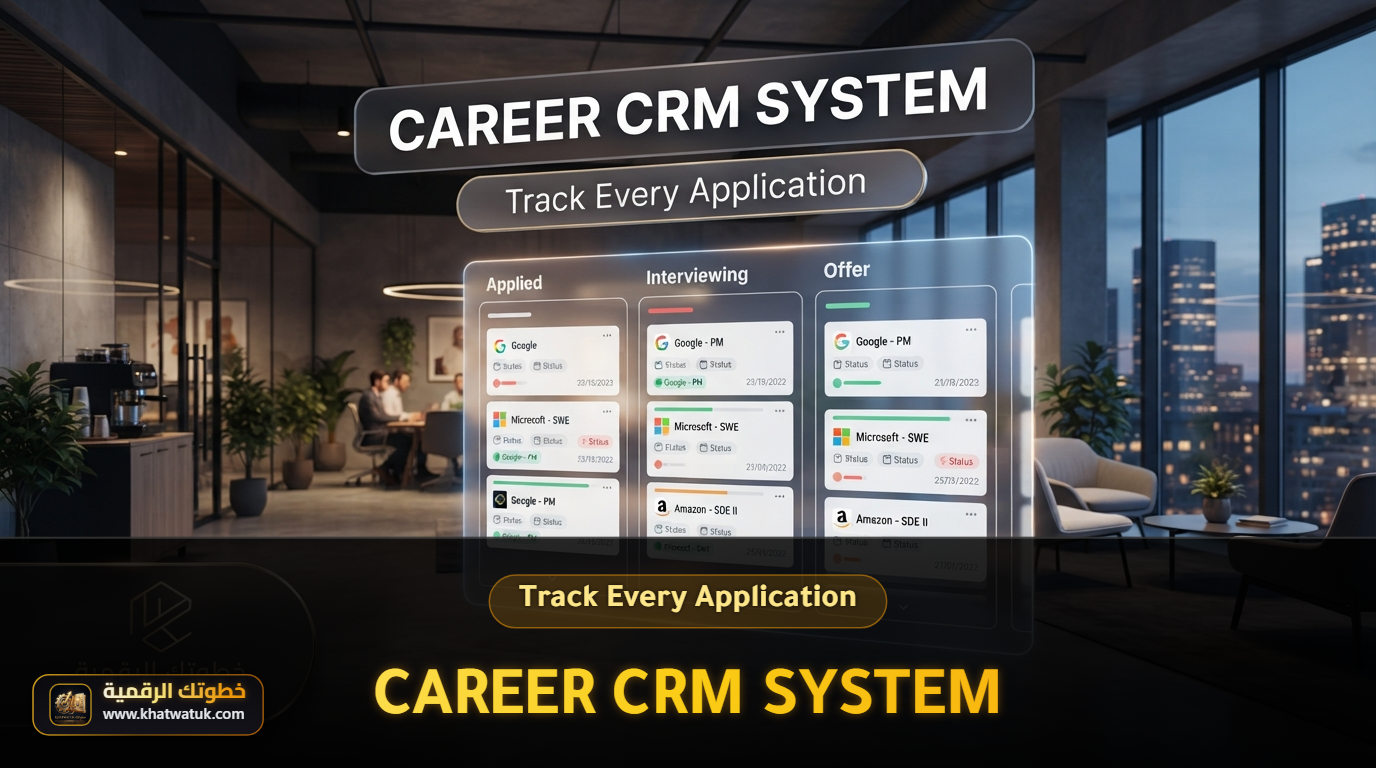
- Kanban Job Tracker: A drag-and-drop CRM board that moves applications through stages — Bookmarked, Applied, Interviewing, Offer — with fields for contact names, follow-up dates, and salary notes.
- Chrome Extension: The highest-rated extension in the Chrome Store (4.9/5) saves jobs from 40+ boards in one click and auto-extracts job descriptions, salary ranges, and company details.
- Dynamic Resume Tailoring: Rather than creating separate resumes for each role, Teal lets you maintain a "Master Career History" and toggle bullet points on/off with checkboxes to produce tailored versions in under three minutes.
- Generous Free Tier: Teal's free plan includes unlimited resume creation, unlimited job tracking, 10 templates, and limited AI credits — the most generous free offering in this comparison. Note, however, that the numeric Match Score and unlimited AI rewrites sit behind Teal+.
- Interview Practice: Built-in mock interviews with AI feedback, helping you prepare after your optimized resume lands you the interview.
One Template Warning Most Reviews Miss
Teal's visually designed templates — the ones with icons, two columns, or graphical skills badges — can lose data when parsed by enterprise ATS systems like Workday and Greenhouse. Teal's simplest single-column templates parse cleanly; the decorated ones do not. If you choose Teal and ATS safety is your priority, use the plainest template and avoid colored badge-style skills sections.
Head-to-Head Comparison: Which Delivers Better Results?
1. ATS Optimization Depth: Winner = Jobscan
Jobscan provides the most technically detailed ATS analysis available to job seekers. It does not just count keywords — it evaluates formatting compatibility with specific enterprise ATS systems (Workday, Greenhouse, Taleo, Lever), checks job level alignment, verifies education requirements, and flags issues like headers, tables, and special characters that confuse parsing algorithms. Teal offers solid ATS-friendly formatting, but Jobscan's analysis is significantly deeper and more actionable.
2. Speed and Multi-Job Workflow: Winner = Teal
If you apply to 15-30 roles per week, Jobscan's scan-per-resume approach becomes repetitive and time-consuming. Teal's Kanban tracker, Chrome extension, and dynamic tailoring let you manage high-volume searches efficiently. The ability to save a job with one click, see your Match Score update in real time, and produce a tailored PDF in under three minutes makes Teal unbeatable for application volume.
3. LinkedIn Optimization: Winner = Jobscan
Jobscan includes a dedicated LinkedIn scanner that analyzes your profile against target job descriptions and provides specific headline, summary, and experience recommendations. Teal offers LinkedIn analysis through its extension, but it lacks the depth and specificity of Jobscan's standalone LinkedIn SEO tool.
4. Pricing and Ongoing Value: Winner = Teal
For a realistic 90-day job search window, here is how costs compare:
| Plan | Cost Over 90 Days | Best For |
|---|---|---|
| Jobscan Monthly | $149.85 | Deep optimization on a few target roles |
| Jobscan Quarterly | $89.95 (~$30/month effective) | Sustained search with ongoing scanning |
| Teal+ Monthly | $87 | Active seekers managing 10+ applications |
| Teal+ Quarterly | $79 ✓ Best value | Full premium for a 90-day sprint |

Which Tool Fits Your Situation?
The right choice depends on whether your bottleneck is optimization depth or workflow organization. Use the scenarios below to match your situation:
| Your Situation | Recommended Tool | Why |
|---|---|---|
| You have a strong resume but get zero interviews | Jobscan | Your resume likely has hidden ATS formatting errors or missing keywords |
| You apply to 15+ jobs per week | Teal | You need tracking, not just scanning — Teal's Kanban board is built for volume |
| You are targeting Fortune 500 companies | Jobscan | Jobscan identifies which ATS each company uses and tailors formatting accordingly |
| You are a career changer with scattered experience | Teal | Teal's Master Career History lets you toggle bullet points for different industries |
| Your applications go through Workday, Greenhouse, or Ashby forms | Teal + simple template | Teal parses cleanly with single-column templates; avoid decorated two-column designs |
| Your LinkedIn profile is outdated | Jobscan | Jobscan's LinkedIn SEO scanner is the most detailed in this comparison |
| You are on a tight budget | Teal Free | Unlimited resumes + unlimited tracking at zero cost |
Final Verdict: The Bottom Line for 2026
Jobscan and Teal are not direct competitors — they are complementary tools that solve different halves of the job search equation. Jobscan is the sharper scanner: it tells you exactly what ATS systems see and how to fix it. Teal is the stronger organizer: it manages your entire search pipeline from first application to final offer.

If you can only choose one, pick based on your primary bottleneck: Jobscan if your resume gets zero traction despite strong qualifications, Teal if you are organized enough but need better tracking and tailoring at scale. For maximum results, use Jobscan's 7-day trial to optimize your master resume, then import it into Teal for ongoing tracking and per-job tailoring.
Frequently Asked Questions (FAQ)
Is Jobscan better than Teal for passing ATS systems?
Yes, for pure ATS optimization Jobscan is superior. It provides deeper keyword analysis, ATS-specific formatting tips for systems like Workday and Greenhouse, and a Job Level Match feature that Teal does not offer. However, Teal provides solid ATS-friendly formatting and keyword matching — it just focuses more on workflow organization than deep scanning.
Can I use Jobscan and Teal together?
Yes, and many job seekers do. Use Jobscan's 7-day Premium trial to optimize your master resume and LinkedIn profile, then import that resume into Teal for ongoing tracking and per-job tailoring. Together they cover 100% of the job search workflow — Jobscan handles optimization depth, Teal handles organizational breadth.
Which tool is better for beginners, Jobscan or Teal?
Jobscan is faster to learn — upload a resume, paste a job description, get a score. Teal requires more initial setup (Chrome extension, job tracker, resume builder) but pays off for longer job searches. For a quick one-week optimization sprint, choose Jobscan. For a 2-3 month search with 50+ applications, choose Teal.
How much do Jobscan and Teal cost in 2026?
Jobscan Premium costs $49.95/month or $89.95/quarter. Teal+ costs $13/week, $29/month, or $79/quarter. Jobscan offers a 7-day free trial; Teal offers a genuinely free tier with unlimited resumes and job tracking (but the Match Score requires Teal+). Always verify current figures on each tool's official pricing page before subscribing, as pricing changes frequently.
Does Jobscan offer a LinkedIn optimization tool?
Yes, Jobscan includes a dedicated LinkedIn optimizer that scans your profile against target job descriptions and provides specific recommendations for your headline, summary, and experience sections. This is a feature Teal does not offer natively — making Jobscan the better choice if LinkedIn visibility is a priority.
Does a high Jobscan or Teal match score guarantee an interview?
No. Neither score simulates a real employer ATS — they measure keyword overlap with one specific job description. A high score means your keywords align with that posting; it says nothing about resume quality, readability, or whether a recruiter will respond. Use match scores as a directional checklist, and never add keywords you cannot honestly back up in an interview.
