

Huntr vs Jobscan overlap enough to look interchangeable in a feature checklist, but they solve somewhat different parts of the job-search workflow. Huntr currently combines resume creation and tailoring with a job-search tracker, contacts, documents, metrics, clipping, and application autofill. Jobscan is built around resume-to-job matching and ATS-focused analysis, then extends that workflow with a resume builder, job matching, LinkedIn optimization, tracking, and review-first application automation. This guide compares the documented capabilities without treating either product's score as a hiring prediction.
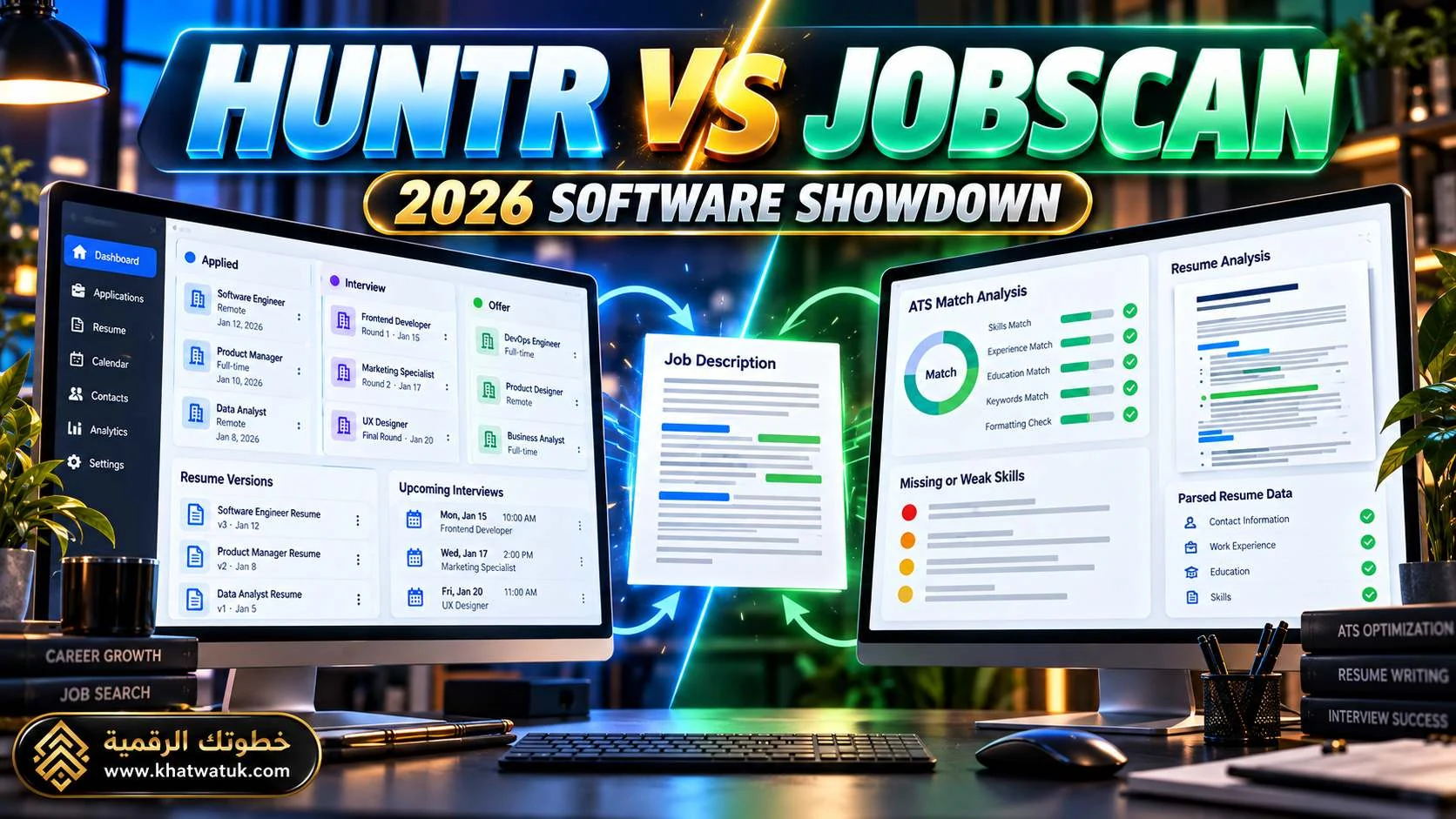
Table of Contents
- Quick Take: The Short Answer
- At a Glance (Comparison Table)
- What Huntr Is Actually Built to Do
- What Jobscan Is Actually Built to Do
- Resume Building and Tailoring
- ATS Scanning and Match Scores Explained
- Job Tracking: Huntr vs Jobscan
- Job Discovery, Clipping, Autofill & Auto Apply
- LinkedIn, Cover Letters & Follow-Up
- Free Plans: What Can You Do Without Paying?
- Pricing in September 2026
- Which Workflow Fits Which Job Seeker?
- Edge Cases and Hidden Gotchas
- Test Both Tools Yourself in 15 Minutes
- Frequently Asked Questions
- Sources and Methodology
Choose Huntr if: you want the job-search organization layer to be central — tracking, saved jobs, contacts, application details, resume versions, and browser capture in one workspace.
Choose Jobscan if: you want the resume-to-job matching and ATS optimization layer to be central, especially when you tailor applications one role at a time and want explicit keyword/formatting diagnostics.
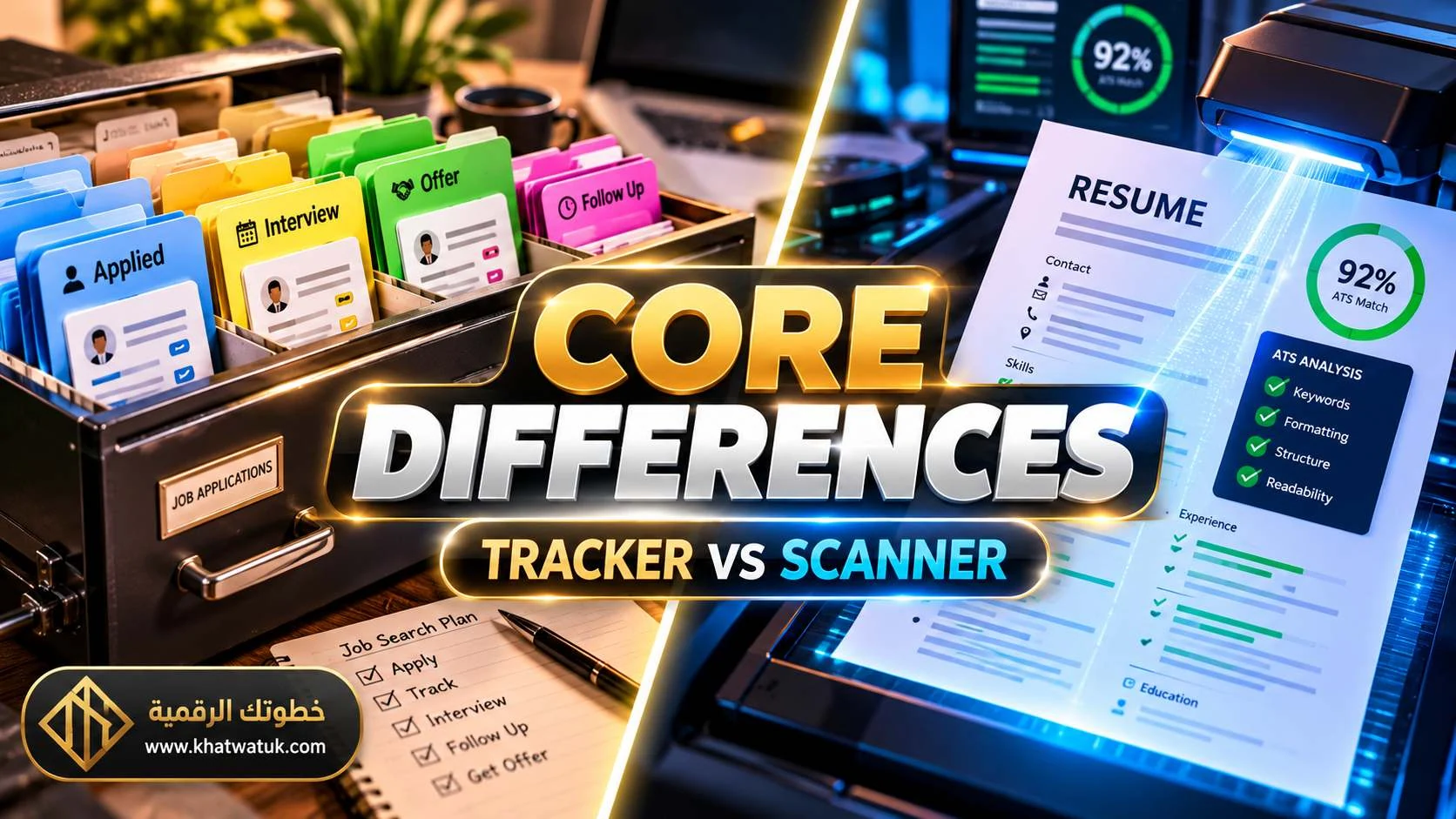
Huntr vs Jobscan at a glance
| Capability | Huntr | Jobscan |
|---|---|---|
| Resume builder | Yes; base and tailored resumes, templates, and layout controls. | Yes; ATS-oriented builder and resume management. |
| Job-specific tailoring | Yes; AI Tailor and Job Match Score use job requirements, responsibilities, and keywords. | Yes; Match Report and AI Optimize compare a resume with a specific job. |
| ATS-focused analysis | Resume/job scoring and ATS-friendly templates are documented. | Core product focus; current pages say the system can detect the ATS used on a posting and tailor guidance to it. |
| Job tracking | Kanban board, activities, contacts, documents, maps, and metrics. | Tracker with job/application context tied to matching and optimization. |
| Job discovery | Primarily clips/saves jobs found on external sites. | Personalized job matching/discovery is part of the current product. |
| Application workflow | Chrome clipping and application autofill; the user remains responsible for submission. | Autofill plus Auto Apply; current vendor documentation says each application is reviewed and approved before submission. |
| LinkedIn optimization | Not a core documented feature in the current comparison research. | Dedicated LinkedIn optimization is part of the toolkit. |
| Cover letters | Yes; integrated with the broader AI/application workflow. | Yes; cover-letter generation is part of the optimization toolkit. |
| Free plan | Basic plan is free; current Help Center documents up to 100 tracked jobs and 2 job-tailored resumes. | Free tier includes resume scanning and tracking; current 2026 public materials cite 5 resume scans/month. |
| Paid headline price | Pro: $40/month; $90/quarter or $160/6 months per current Help Center. | Premium: $49.95/month; $89.95/quarter in current 2026 public materials. |
Pricing and limits can change. Re-check the live vendor pricing screens on the day you publish.
Check Your Resume with JobscanDisclosure: this Jobscan link is an affiliate/referral link. The comparison itself is based on documented product features rather than the presence of this link.
What Huntr is actually built to do
Huntr is broader than a resume checker. Its current product and Help Center documentation describe a workspace built around the full job-search record: the job posting, application status, documents, contacts, activities, and the versions of your resume tied to individual opportunities. Its job tracker includes a Kanban-style board, job cards, activity timelines, contact management, document storage, map view, and search metrics.
The resume side uses a base-resume model. You can keep a comprehensive source resume and create tailored versions for specific saved jobs. Huntr says its Job Match Score looks at qualifications, responsibilities, keywords, and job-title alignment, and it explicitly describes semantic matching rather than treating keyword presence as the whole problem.
That architecture matters because a person managing dozens of applications usually has two separate needs: "How well does this resume fit this job?" and "What happened to the application afterward?" Huntr tries to keep those records in one workspace.
Its browser workflow also matters. The current Help Center describes a Chrome Job Clipper for saving job postings, while the product pages describe one-click application autofill. Huntr is therefore designed to capture the job first and keep the downstream information attached to that record.
Comprehensive source document containing the experience, skills, and achievements you may reuse across applications.
Job-specific version created from the base resume and aligned to the saved posting.
Huntr's current Help Center documents packets that can bundle a tailored resume, cover letter, and follow-up email for a job.
Where Huntr's score model is different
Huntr distinguishes its base-resume score from the Job Match Score on tailored resumes. The base score considers section completion, content quality, and content length. The Job Match Score is job-specific and evaluates qualifications, responsibilities, keywords, and job-title match. Its documentation says qualifications carry the largest share and keywords normally represent less than 20% of the score, which is intended to reduce pure keyword stuffing.
What Jobscan is actually built to do
Jobscan starts with a different center of gravity: compare a resume with a job description and show the applicant what to fix. Its current resume scanner says the report covers hard skills, soft skills, other keywords, buzzwords, industry language, formatting, section structure, and more than 30 checks. It also says the match rate is a visualization of the resume's alignment rather than a score literally issued by the employer's ATS.
Jobscan's current site goes one step further on ATS specificity. Its homepage says the AI can detect the ATS associated with a job posting and tailor recommendations to that system's parsing rules and ranking weights. Its research material names systems such as Workday, Greenhouse, iCIMS, and Taleo. Those are vendor claims and should be treated as product capabilities, not as a promise that Jobscan can reproduce every employer's internal ranking logic.
Jobscan now covers more than scanning. Current pages list an ATS resume builder, AI Optimize, job matching, LinkedIn optimization, a tracker, cover-letter tools, and Auto Apply. The Auto Apply workflow is explicitly review-first: the system prepares the application, then the user reviews and approves it before submission.
Research note: current third-party comparison coverage tends to emphasize the same broad distinction: Huntr as a job-search workspace with tracking depth, and Jobscan as an ATS/resume optimization platform with tracking attached. Exact Google ranking positions were not asserted because the available search interface did not provide a verifiable numbered US SERP.
Huntr vs Jobscan for resume building and tailoring
The key question is not whether both tools can "tailor a resume." Both can. The useful comparison is how much of the tailoring loop happens inside the tool and what evidence is used to justify a suggested edit.
Starting from an existing resume
Huntr documents importing an existing resume, importing from LinkedIn, or starting from profile information. Its builder then converts that material into a base resume, after which tailored versions can be created from saved jobs.
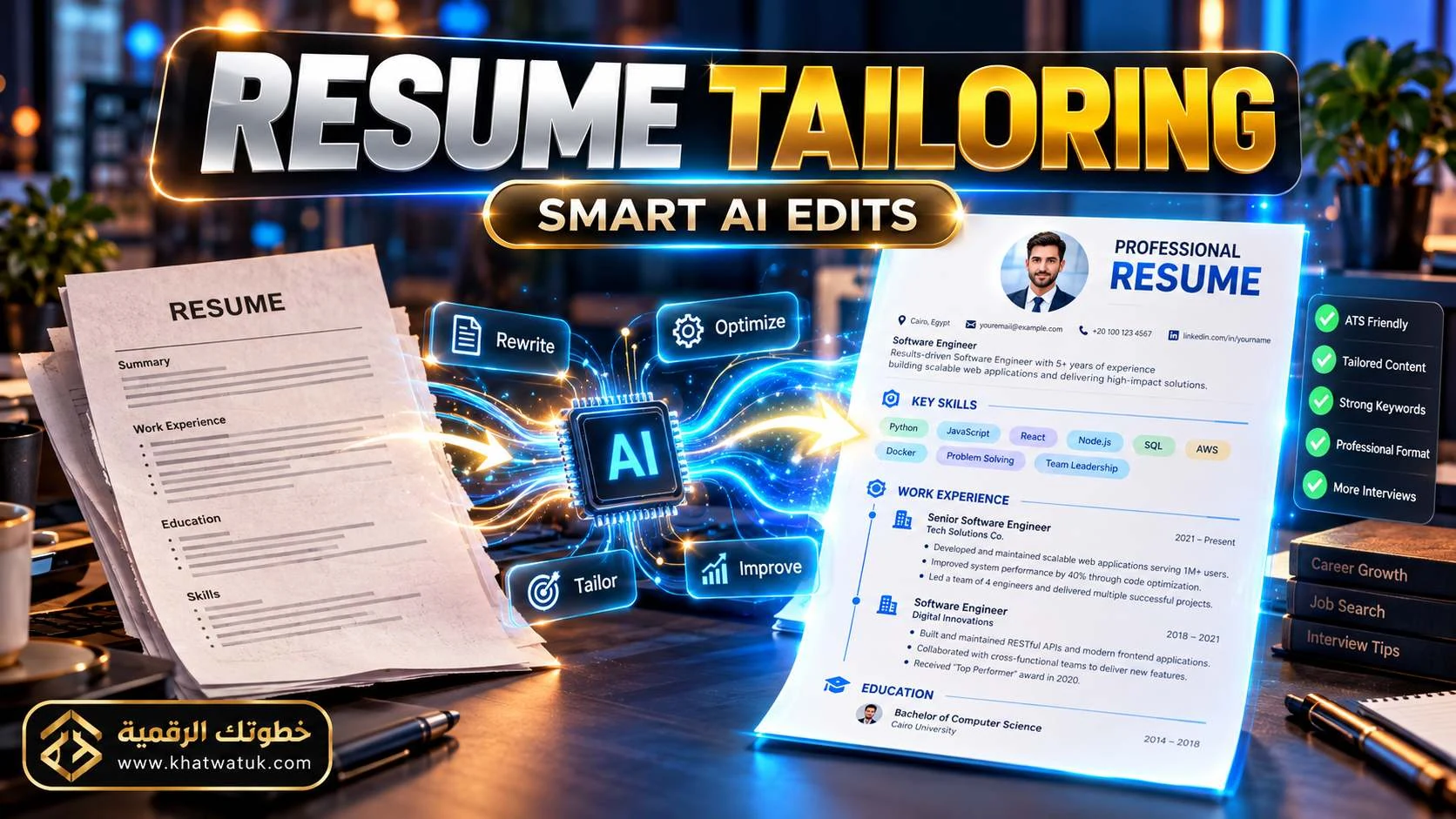
Jobscan's workflow can begin with an uploaded resume and a specific job description. The Match Report is the diagnostic layer; AI Optimize can turn identified gaps into proposed edits. The workflow is closer to "scan, identify, optimize, rescan" than "manage the whole search around a master resume."
Jobscan's 2026 builder also adds an AI Resume Coach that interviews the user one question at a time, turns the answers into resume content, and carries the finished resume into AI Optimize. That is a meaningful update to the old "scanner plus template" description: the product now covers more of the build-to-tailor loop while keeping the user in control of accepting or editing suggestions.
Keyword matching vs contextual matching
Keyword overlap matters because job descriptions contain concrete skills, tools, titles, and industry terms. But keyword matching alone is a weak representation of real fit. Huntr's documentation explicitly adds responsibilities and qualifications to the job-match model. Jobscan's current scanner explains its Match Rate through hard skills, education level when an advanced degree is listed, job title, soft skills, and other keywords, while its broader report also checks formatting and content quality.
Huntr also documents a Job Description Keyword Finder that identifies job-specific hard skills, soft skills, knowledge, industry terms, and education signals. Because the Keyword Finder is available across plans, it is worth separating that capability from the more advanced paid tailoring and scoring features when evaluating the free tier.
That difference creates a useful practical test: take a job description with several concrete responsibilities and ask both tools to identify the missing pieces. Then inspect whether the suggested edits connect to evidence you actually have. A high score produced by inserting phrases you cannot support is not an improvement to the underlying resume.
ATS scanning and match scores: what the numbers really mean
An Applicant Tracking System is an employer-side system for receiving, parsing, searching, filtering, and managing applicant information. A third-party resume checker is doing something different: it is producing a diagnostic model based on the resume and job information you provide.
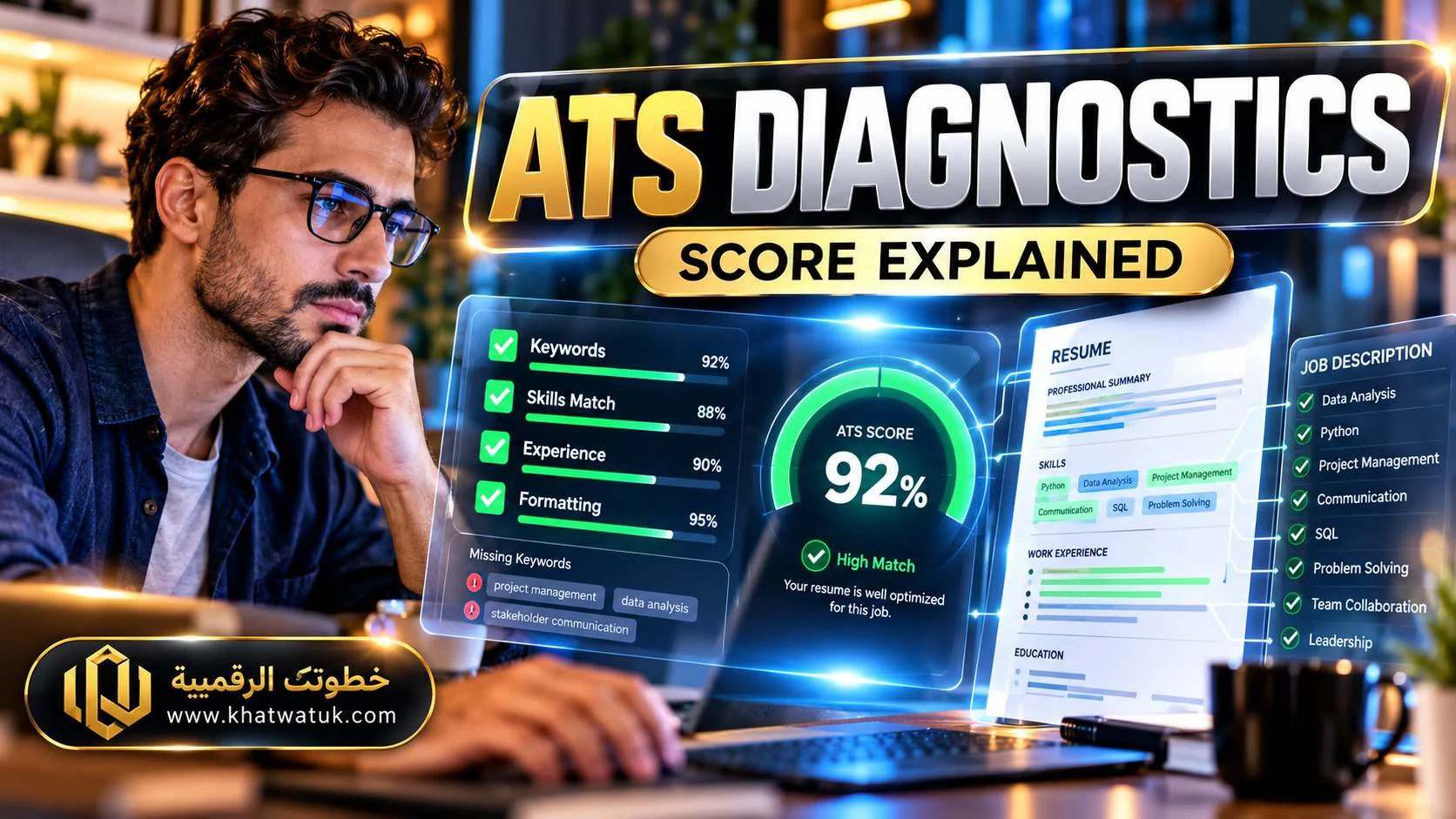
Jobscan makes this distinction especially clear in its current documentation: the ATS itself does not assign the Jobscan match rate. The number is a visualization tool designed to help you measure alignment before you submit. Jobscan recommends 75% or higher as a target, but that target is its own guidance, not an employer's universal threshold.
Huntr likewise uses its own Job Match Score to explain how a tailored resume aligns with a saved posting. Its current documentation says the score is generated from qualifications, responsibilities, keywords, and job-title match, with must-have items weighted more heavily.
Those numbers should therefore be compared as diagnostics, not as competing hiring probabilities . A 90 on one system and 75 on another do not prove the first resume will receive more interviews. They can, however, expose concrete gaps you can investigate.
Job tracking: Huntr vs Jobscan
Here the difference is less about whether a Kanban board exists and more about what surrounds it. Huntr's tracker is documented as a full job-search record with activities, contacts, documents, map view, and metrics. Its job card can store the company, role, posting URL, and other information that feeds downstream resume and communication tools.
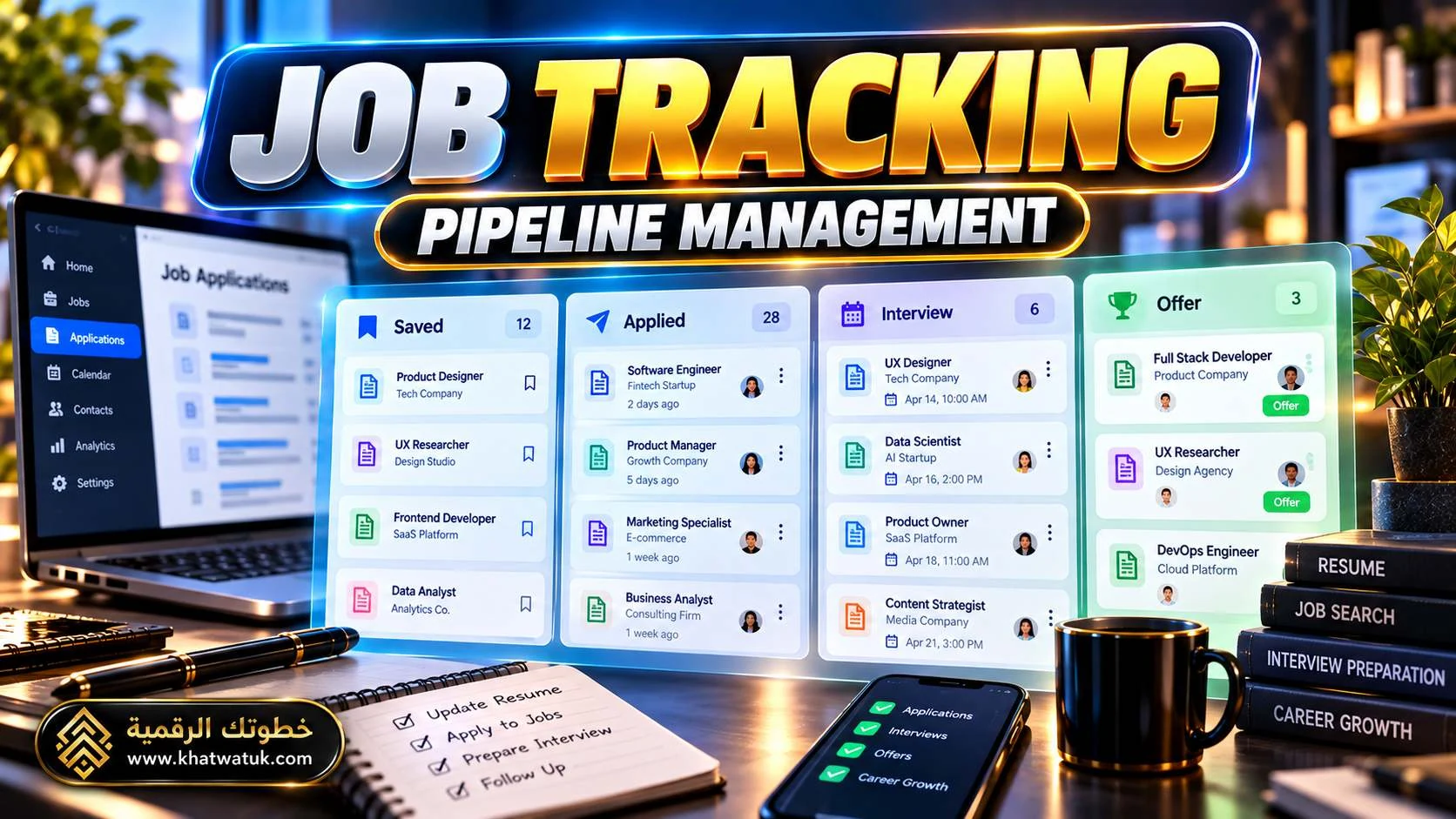
Jobscan also keeps applications in a tracker, but its current comparison material emphasizes the attachment of resume-analysis context to the application workflow. That gives the tracker a different role: it can help you see both application status and the optimization work still attached to that application.
| Tracking need | Huntr workflow | Jobscan workflow |
|---|---|---|
| Pipeline stages | Kanban-style job board. | Job/application tracking with matching context. |
| Job details | Rich job cards and saved posting information. | Job/application records tied to scan and optimization context. |
| Contacts | Dedicated contact tracking is documented. | Not a primary individual-user tracker feature in the current sources reviewed. |
| Documents | Resume, cover letter, and other documents can live with the search record. | Resume/application materials are integrated with the optimization workflow. |
| Metrics | Application metrics and funnel insights are explicit product features. | Tracking exists, with a stronger emphasis on match/optimization context. |
| Location/map | Map View is documented. | No equivalent map feature was identified in the current sources reviewed. |
Job discovery, clipping, autofill, and Auto Apply
"Automation" can mean three different things: finding jobs, saving a job listing, and completing or submitting the application. Mixing those together makes software comparisons misleading.
Huntr: capture first, then manage
Huntr's Chrome Job Clipper is designed to save job details from external sites such as LinkedIn and Indeed into the tracker. Its application autofill helps map stored information into application forms. The user's role does not disappear; the feature is aimed at reducing repetitive entry while keeping the application in the user's workflow.
Jobscan: match, prepare, review, submit
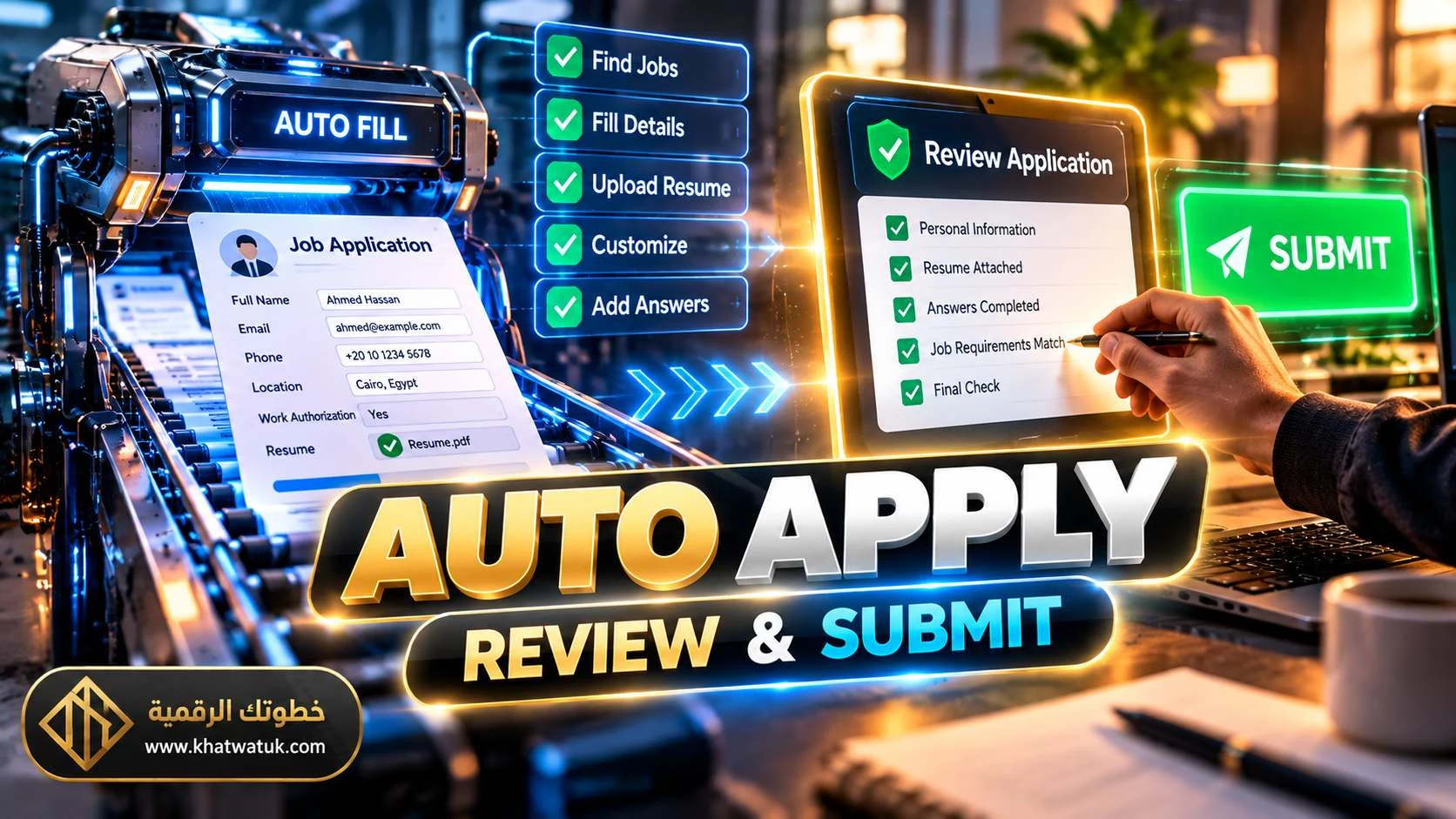
Jobscan's current Auto Apply workflow is different. Its product page says jobs can be surfaced from ATS platforms including Greenhouse, Lever, Workable, and more than 20 ATS platforms; the system prepares application answers from the user's resume and preferences; and nothing is submitted until the applicant reviews and approves it.
Jobscan's June 2026 explanation describes Auto Apply as assisted applying rather than fully autonomous submission. That distinction matters for anyone comparing application speed with the need to retain control over what is sent.
LinkedIn, networking, cover letters, and follow-up
Job searches rarely end with "resume submitted." Huntr's product overview includes contact tracking, interview tracking, follow-up emails, thank-you emails, interview questions, and other application-support tools once a job is saved.
Jobscan has a different adjacent toolset: its current platform includes LinkedIn optimization, AI resume tools, cover letters, job matching, tracking, and application automation. For someone whose workflow begins with improving the resume and then extends outward to LinkedIn and the application itself, those pieces are more tightly connected in the same product flow.
The useful question is not "which platform has more AI buttons?" It is "which of these support tools are actually part of my weekly workflow?" A feature you never use has little practical value, while a contact tracker or LinkedIn audit can matter when networking is central to the search.
Free plans: what can you do without paying?
The free tiers have different shapes. Current Huntr documentation lists a free tracking layer with unlimited base resumes, free PDF export, basic matching/scoring, up to 100 tracked jobs, Chrome clipping, application autofills, contacts, and a limited number of job-tailored resumes and application packets.
Jobscan's current public material describes a Free tier with 5 resume scans per month and a free resume builder/tracker, while premium features unlock deeper optimization, unlimited scanning, and additional tools.
| Free-plan question | Huntr | Jobscan |
|---|---|---|
| Can I build a base resume? | Yes; unlimited base resumes are documented. | Yes; free builder access is documented in current public materials. |
| Can I track jobs? | Yes; up to 100 jobs on the free plan according to current Help Center documentation. | Yes; current public materials include a free tracker. |
| How much tailored resume use is free? | 2 job-tailored resumes on the current free plan. | Free scans are available, while advanced optimization is premium. |
| Can I scan frequently? | Basic job/resume scoring is available, but the free plan emphasizes tracking and limited tailoring. | Current public 2026 materials cite 5 resume scans/month. |
| Is there a premium trial? | Current FAQ points users to support for trial/coupon requests. | Current promotional/policy pages describe a 7-day Premium trial on eligible quarterly signups. |
Pricing: Huntr vs Jobscan in September 2026
Huntr Pro: the current Help Center lists $40/month, $90 every three months ($30/month effective), or $160 every six months ($26.66/month effective). Pro adds unlimited tailored resumes, cover letters, unlimited AI resume generation/review/tailoring, advanced matching/scoring/insights, and unlimited job tracking and uploads.

Jobscan Premium: current 2026 public materials list $49.95/month or $89.95 every three months (about $29.98/month effective). Jobscan's public policy and comparison pages also describe a 7-day trial for eligible quarterly signups. The cancellation policy says cancellation does not automatically create a refund.
On quarterly billing, the effective monthly prices are close: $30/month for Huntr and about $30/month for Jobscan. The more useful question is what the subscription replaces in your workflow. Huntr's paid value is closely tied to the tracker-plus-resume workspace. Jobscan's paid value is closely tied to deep resume/job optimization plus its broader application loop.
Which workflow fits which job seeker?
Huntr-centered workflow
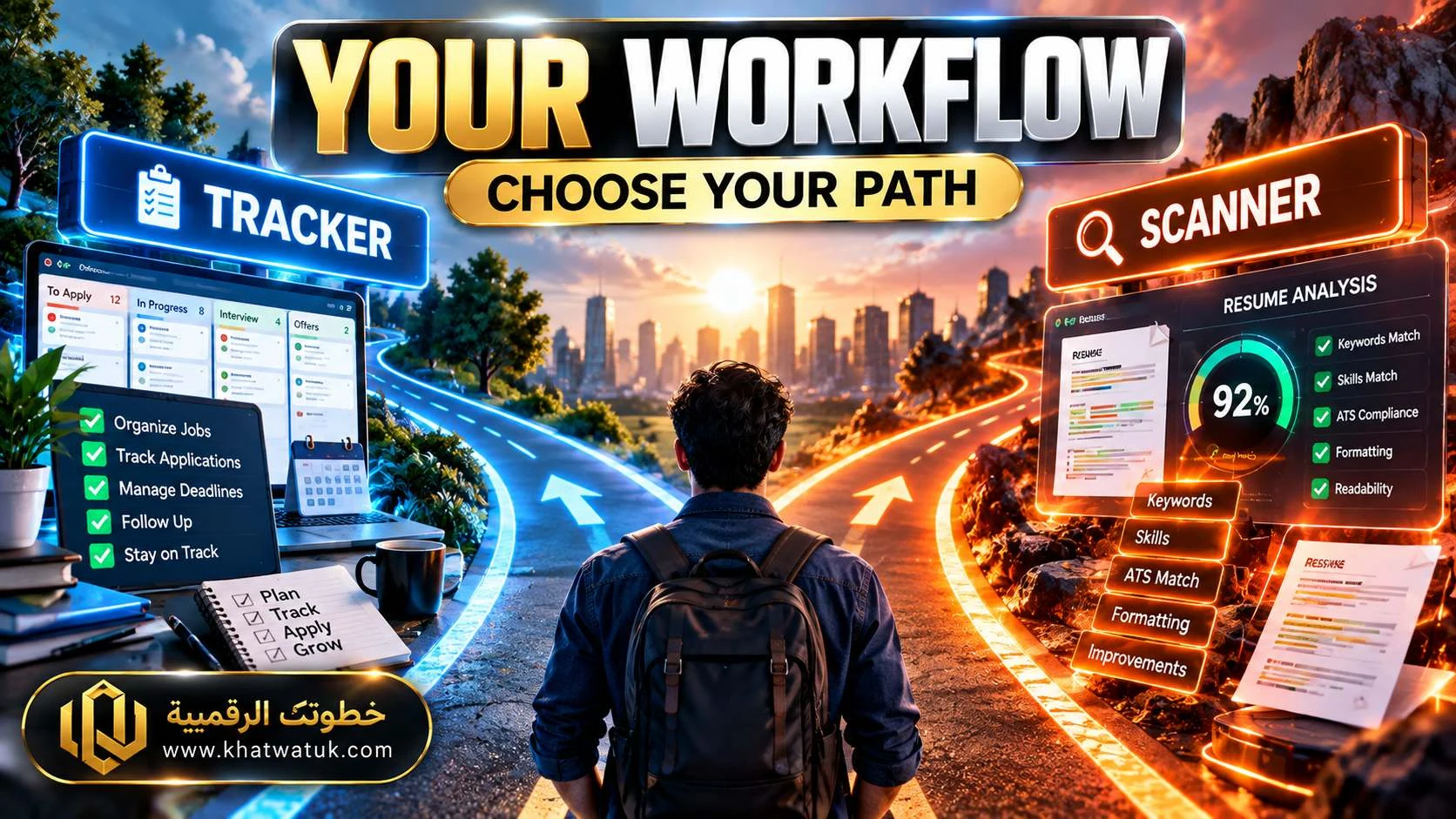
Consider this workflow when your priority is search organization : one board for applications, contacts, interviews, documents, job notes, and resume versions; Chrome clipping; autofill; map/location context; and a connected resume-tailoring layer.
Jobscan-centered workflow
Consider this workflow when your priority is resume-to-job optimization : Match Reports, ATS-oriented checks, AI Optimize, personalized job discovery, LinkedIn optimization, and a review-first automation path.
Hybrid workflow
A two-tool setup can make sense when you deliberately assign different jobs to each product. The trade-off is duplicate data, duplicate setup, and the need to keep your master resume and job records synchronized.
For broader context, this comparison sits inside a wider cluster of job-search tool reviews on this site, including Teal vs Rezi, Teal vs Kickresume, Jobscan vs Teal, and Huntr vs Teal. Reading these together can help you see where Huntr and Jobscan each sit relative to a third common alternative.
Edge cases and hidden gotchas
1. A high score can still hide a weak requirement match
A score can rise because wording aligns better with the posting. That does not automatically mean you now satisfy the employer's experience requirement. Read every must-have qualification separately.
2. Keyword stuffing can make a resume worse
If you repeat the same skills in the summary, skills section, and every experience bullet solely to increase a diagnostic score, the document can become unnatural. Use the score to surface gaps, not to turn the resume into a copy of the job ad.
3. Free-plan limits matter more at high volume
A plan that works perfectly for five carefully selected applications can become restrictive when you are running dozens of scans, tailored resumes, or tracking hundreds of jobs. Calculate usage before subscribing.
4. Automation is not the same thing as unsupervised submission
Huntr's current workflow is centered on clipping and autofill. Jobscan's Auto Apply now prepares applications but keeps a review-and-approve checkpoint. Those are materially different automation models.
5. Pricing pages can change faster than comparison articles
The current research found inconsistent legacy Huntr pricing snippets on public pages, so the Help Center pricing page was used as the primary reference. Jobscan's public pricing flow has also changed across 2026, with current figures appearing in published comparison material while parts of the checkout experience may require sign-in. Treat every volatile price as a dated snapshot.
How to test Huntr and Jobscan yourself in 15 minutes
You can make this comparison much more personal with a small controlled test. Use the same resume and the same job description in both products.
- Choose one real US job you would genuinely consider applying to.
- Use the same current resume file in both tools.
- Record the score/match output before making any edits.
- List every missing keyword, skill, responsibility, qualification, or formatting issue each tool identifies.
- Separate "missing wording" from "missing evidence."
- Accept only edits supported by your real background.
- Compare the amount of manual cleanup required after AI suggestions.
- Create the same job in each tracker and see which record captures the information you actually care about.
- Test autofill or application preparation on a low-stakes application and verify every field.
- Compare the subscription cost with your actual monthly usage, not an imagined maximum feature set.
Frequently asked questions
Is Huntr better than Jobscan?
They are optimized around somewhat different workflows. Huntr puts more emphasis on the job-search workspace, tracking, contacts, documents, and connected resume tailoring. Jobscan puts more emphasis on ATS-oriented resume analysis and then extends into job matching, LinkedIn optimization, tracking, and application automation. The relevant comparison depends on which part of the workflow you need most.
What is the difference between Huntr and Jobscan?
Huntr is a combined resume and job-search management platform with a substantial tracker/CRM layer. Jobscan is centered on resume-to-job matching and ATS optimization, with a broader application ecosystem built around that diagnostic layer.
Does Huntr have an ATS checker?
Huntr documents resume scoring, job matching, ATS-friendly templates, and job-tailored analysis. Its current public materials emphasize matching qualifications, responsibilities, keywords, and job title rather than naming a specific employer ATS engine for every posting.
Is Jobscan worth paying for?
That depends on usage. The paid tier adds deeper scanning and optimization plus broader job-search tools. Compare the current price with how many targeted applications you submit and how often you need detailed diagnostics.
Can Huntr and Jobscan be used together?
Yes. Their capabilities overlap, but they can be split by function. The main downside is duplicate setup and data management, so a hybrid workflow is most useful when each tool performs a distinct job.
Which has the better free plan?
The free plans are shaped differently rather than simply being larger or smaller. Huntr gives substantial free tracking capacity and limited tailored-resume use; Jobscan's free tier emphasizes resume scans and optimization access. Choose based on whether your bottleneck is organization or repeated diagnostics.
Does Jobscan automatically apply to jobs?
Jobscan's current Auto Apply feature prepares applications and then requires the user to review and approve them before submission. It is presented as a review-first workflow rather than an unattended mass-submission bot.
Does Huntr tailor resumes to job descriptions?
Yes. Huntr documents tailored resumes built from a base resume and a saved target job, with AI Tailor and Job Match Score features based on job qualifications, responsibilities, keywords, and title match.
What does the match score mean?
It is a tool-generated diagnostic showing how your resume aligns with a job or how well the resume meets the tool's criteria. It is not the employer's ATS score and should not be treated as a probability of an interview.
Can either tool guarantee an interview?
No. Neither a Huntr score nor a Jobscan Match Rate guarantees an interview or hiring outcome. Treat scores as diagnostics and verify all generated content against your actual qualifications.
Does Jobscan have a job tracker?
Yes. Jobscan documents a Job Tracker that can save opportunities and connect them to the scan and tailoring workflow, keeping application status linked to the resume-optimization work behind it.
Sources and methodology
This comparison was researched for Google US on September 26, 2026. Current vendor Help Center and product pages were used first for pricing, limits, and feature claims. Third-party comparison pages were used to understand recurring search patterns, comparison criteria, and editorial gaps; publisher judgments are not treated as product-wide performance measurements.
- Huntr pricing and plan details: Huntr Help Center — Plan Types and Pricing.
- Huntr Job Match Score: Huntr Help Center — Job Match Score.
- Huntr Keyword Finder and current plan details: Huntr Help Center — FAQ.
- Huntr Job Tracker: Huntr Help Center — Job Tracker.
- Jobscan Resume Scanner: Jobscan — Free Resume Scanner.
- Jobscan homepage and toolkit: Jobscan.
- Jobscan Auto Apply: Jobscan — Auto Apply.
- Jobscan's 2026 AI Resume Builder: Jobscan — AI Resume Builder and Writing Coach.
- Jobscan pricing evidence: Jobscan — Best AI Job Search Tools in 2026.
- Recent community pain points and the current comparison SERP landscape are documented in the accompanying workspace research reports.
Important: pricing, plan limits, and feature availability are volatile. Re-check live vendor pages before publishing any price-sensitive version of this article. Exact Google organic rank positions were not asserted because they could not be independently verified from the available search interface.
