

Between midterms, weekly problem sets, and dense research papers, college and high school students rarely have eight hours to design PowerPoint slides from scratch. Utilizing the best ai presentation maker for students allows academic learners to transform lecture recordings, study outlines, and scientific PDFs into structured seminar presentations in minutes.
Academic Testing Verdict: In our comprehensive testing across 8 student-centric platforms, Gamma App proved best overall for converting lecture notes into visual presentation cards at zero initial cost. Canva for Education dominates for creative class assignments, Beautiful.ai offers the best verified free 1-year university student plan, and PopAi excels at converting academic PDFs into slides.
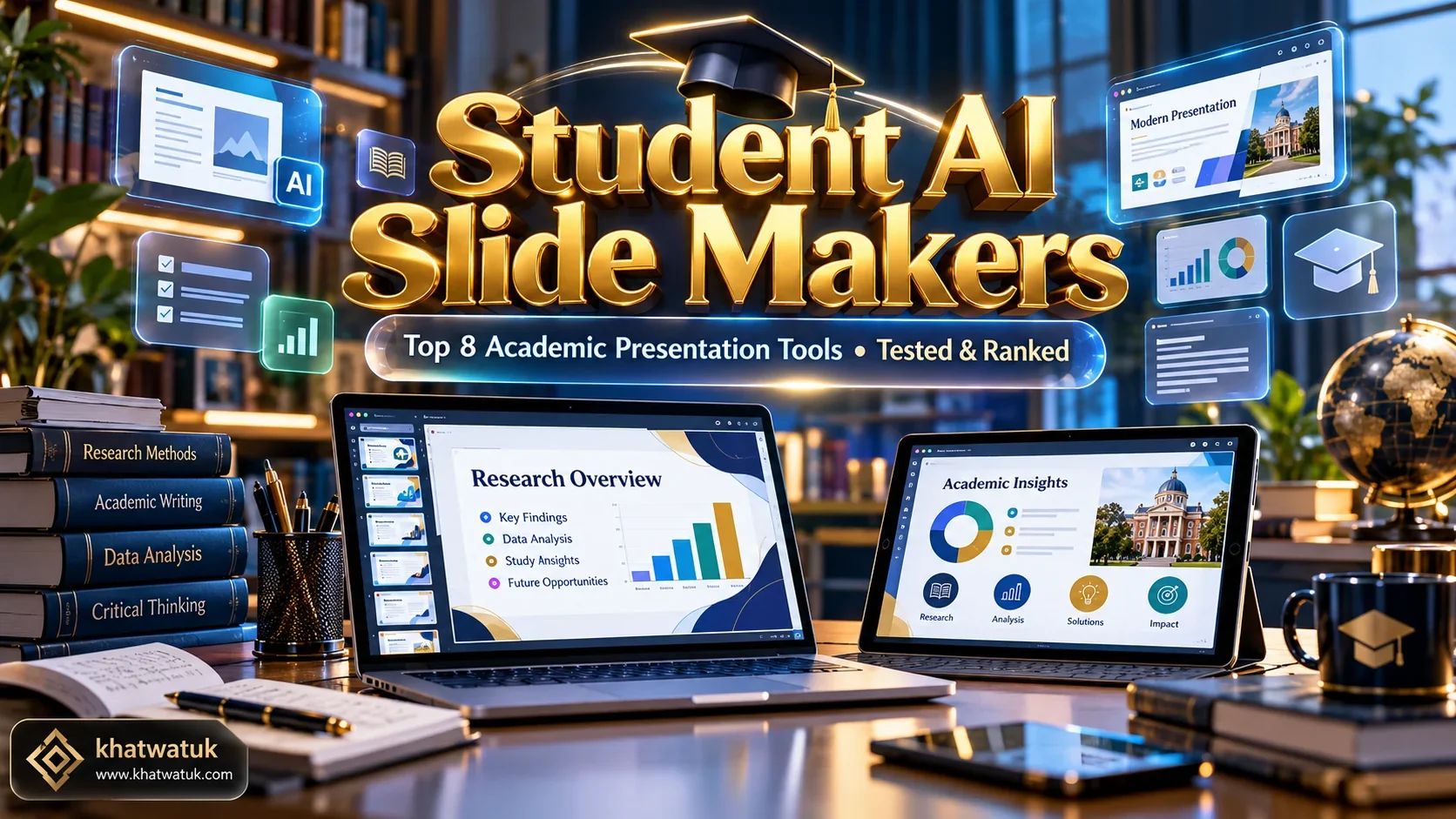
While corporate professionals evaluate slide software based on enterprise SOC 2 compliance and single sign-on (SSO), students need generous free allowances, reliable document-to-slide parsing, group assignment collaboration, and clean Google Slides or PowerPoint export. If you are comparing tools across the broader software ecosystem, review our core pillar overview of the Best AI Presentation Maker.
Academic Comparison: Top 8 AI Presentation Tools for Students
We evaluated each tool with standard student prompts: converting a 10-page academic research paper summary into an 8-slide seminar deck, assessing group member collaboration, and verifying free-tier file downloads.
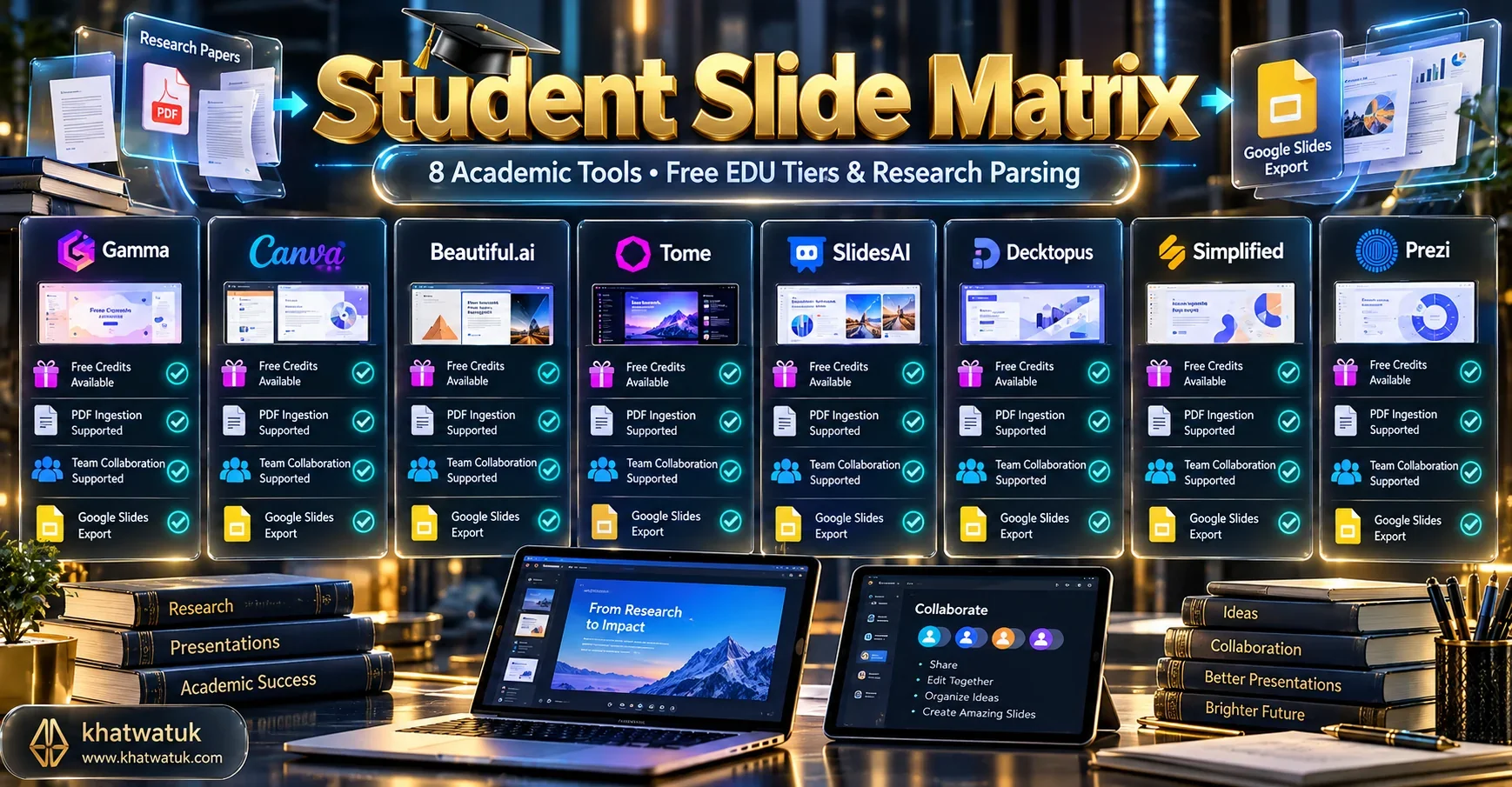
| Platform | Primary Academic Strength | Student Pricing / Free Tier | Document Parsing (PDF/Doc) | Group Collaboration |
|---|---|---|---|---|
| Gamma App | Fast Interactive Class Decks | 400 Free Starter Credits | Paste Notes / Word Docs | Web Link Sharing & Comments |
| Canva for Education | Creative Classroom Templates | 100% Free for K-12 EDU | Prompt & Outline Ingestion | Exceptional Real-Time Multiplayer |
| SlidesAI | Google Drive Research Add-on | 3 Free Decks / Month | 2,500 Characters Text Ingestion | Native Google Drive Sharing |
| Beautiful.ai | Automatic Designer Formatting | Free 1-Year Verified Student Plan | Smart Prompt Outlining | Team Workspace Sharing |
| PopAi | Academic Paper & PDF Summaries | Free Daily Query Allowance | Direct Scientific PDF Upload | Link Sharing & Export |
| Pitch | Student Group Project Collaboration | Free Forever (Unlimited Decks) | Structured AI Outline Prompts | Live Multiplayer & Video Chat |
| Curipod | Interactive Seminar Polls & Quizzes | Free Basic Plan | Curriculum & Topic Prompts | Live Audience Participation |
| Tome | Visual Narrative & Thesis Decks | 500 Free Compute Credits | Prompt & Doc Outline Ingestion | Web Link Sharing |
Deep-Dive Analysis: The 8 Best Student AI Presentation Tools
To help you select the ideal presentation companion for your specific coursework, we examined how each tool handles academic workflows and student constraints.
1. Gamma App: Best Overall for Student Presentations & Fast Web Decks
Gamma has rapidly become the quintessential presentation generator for college students. Instead of forcing you to build one slide at a time, Gamma's AI reads lecture notes, study outlines, or reading summaries and generates a complete, visually striking presentation in seconds.
New student accounts receive 400 free AI credits upon sign-up with zero payment card required. Slides can be presented as interactive web decks or exported to PowerPoint (.pptx) and PDF. For students comparing free tools without subscriptions, check out our comprehensive guide to the Best Free AI Presentation Maker.
Student Verdict: The fastest way to turn dense class notes into engaging seminar decks with zero graphic design experience.
2. Canva for Education: Best Unlimited Design Suite with Magic Design
Canva is ubiquitous in academic institutions. K-12 students and teachers gain free access to Canva for Education, which unlocks premium templates, millions of stock illustrations, and advanced AI Magic Design tools.
For university students using standard free accounts, Canva provides unlimited manual presentation design and free basic AI outline generation. It is particularly valuable for humanities, marketing, and design courses where visual creativity is graded. To see how Canva compares with modern dynamic cards, explore our detailed analysis of Gamma App vs Canva.
Student Verdict: An essential free design toolkit for students who prefer custom layouts, animations, and group editing.
3. SlidesAI: Best for Google Classroom & Google Slides Workflows
Most schools and universities run on Google Workspace for Education. SlidesAI integrates directly as an official Google Slides add-on, meaning students never have to leave Google Drive or learn a new interface.
On the free tier, students receive 3 presentation generations monthly. You simply paste your study notes or essay summary (up to 2,500 characters), select a theme, and SlidesAI populates native Google Slides that you can turn directly into Google Classroom assignments. For comparison with smart layout automation, see our breakdown of SlidesAI vs Beautiful.ai.
Student Verdict: Perfect for submitting native Google Slides assignments directly through school learning management systems.
4. Beautiful.ai: Best Free 1-Year Plan for Verified College Students
Beautiful.ai enforces graphic design principles programmatically through Smart Slides. As you add data points, compare contrasting theories, or add timeline events, the slide auto-formats without overlapping text boxes or misaligned margins.
While standard commercial users pay $12 per month, Beautiful.ai provides a full free year of its Pro plan to verified students and educators who register with an accredited (.edu) email address. This unlocks unlimited AI generation, editable PowerPoint exports, and clean vector graphics. For educators looking to build curriculum materials, explore our companion guide on the AI Presentation Maker for Teachers.
Student Verdict: The highest-value student offer available. If you have an active (.edu) email, claim the 1-year free Pro plan immediately.
5. PopAi: Best for Converting Academic Research Papers & PDFs into Slides
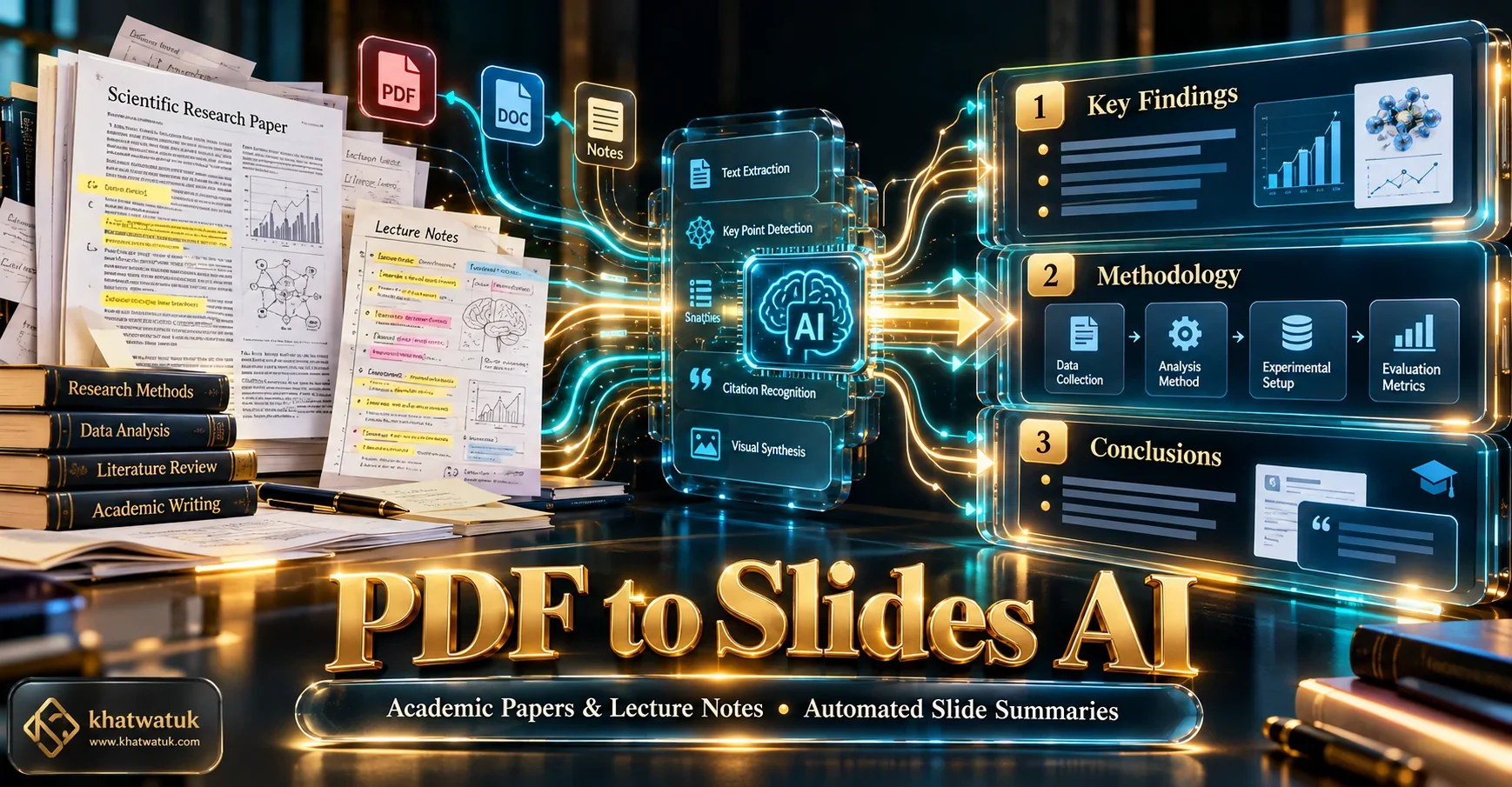
Undergraduate and graduate students frequently encounter dense 20-page research papers that must be presented in a 10-minute seminar slot. PopAi is built specifically around academic document comprehension.
You can upload a scientific PDF, literature review, or lecture transcript directly into PopAi. Its AI extracts core methodologies, numerical findings, and author conclusions, structuring them into clean multi-slide presentation drafts that you can review and export.
Student Verdict: Indispensable for STEM, economics, and psychology students summarizing research papers for seminar presentations.
6. Pitch: Best for Collaborative Group Projects & Seamless Team Sharing
Group assignments often suffer from version conflicts, where three students email conflicting PowerPoint files back and forth. Pitch solves this with real-time multiplayer editing in a modern web workspace.
Its Free Forever plan supports unlimited team members and unlimited presentation decks. Students can use Pitch's AI to draft outlines, assign specific slides to group members, and collaborate with built-in live video and text commenting.
Student Verdict: The superior choice for college group assignments requiring seamless multi-user collaboration.
7. Curipod: Best for Interactive Student Speeches, Polls & Seminars
When students are graded on audience engagement during classroom speeches, traditional static slides fall flat. Curipod generates interactive presentations featuring live word clouds, open-ended question prompts, and audience polls.
Classmates can scan a QR code on the presentation screen with their smartphones to vote in real time, turning a dry student presentation into an energetic, highly memorable academic discussion.
Student Verdict: Outstanding for communications, debate, and education majors who need interactive audience participation.
8. Tome: Best for Creative Visual Projects, Portfolios & Media Decks
For architecture, media studies, and design students, Tome offers a dynamic generative canvas that pairs narrative AI copy with generative AI illustrations.
The 500 initial compute credits give students ample room to experiment with visual thesis decks and interactive project portfolios shared via public web links.
Student Verdict: Great for creative portfolios and visual concept pitches, best distributed as web presentations.
Academic Integrity: How to Responsibly Use AI Presentation Tools
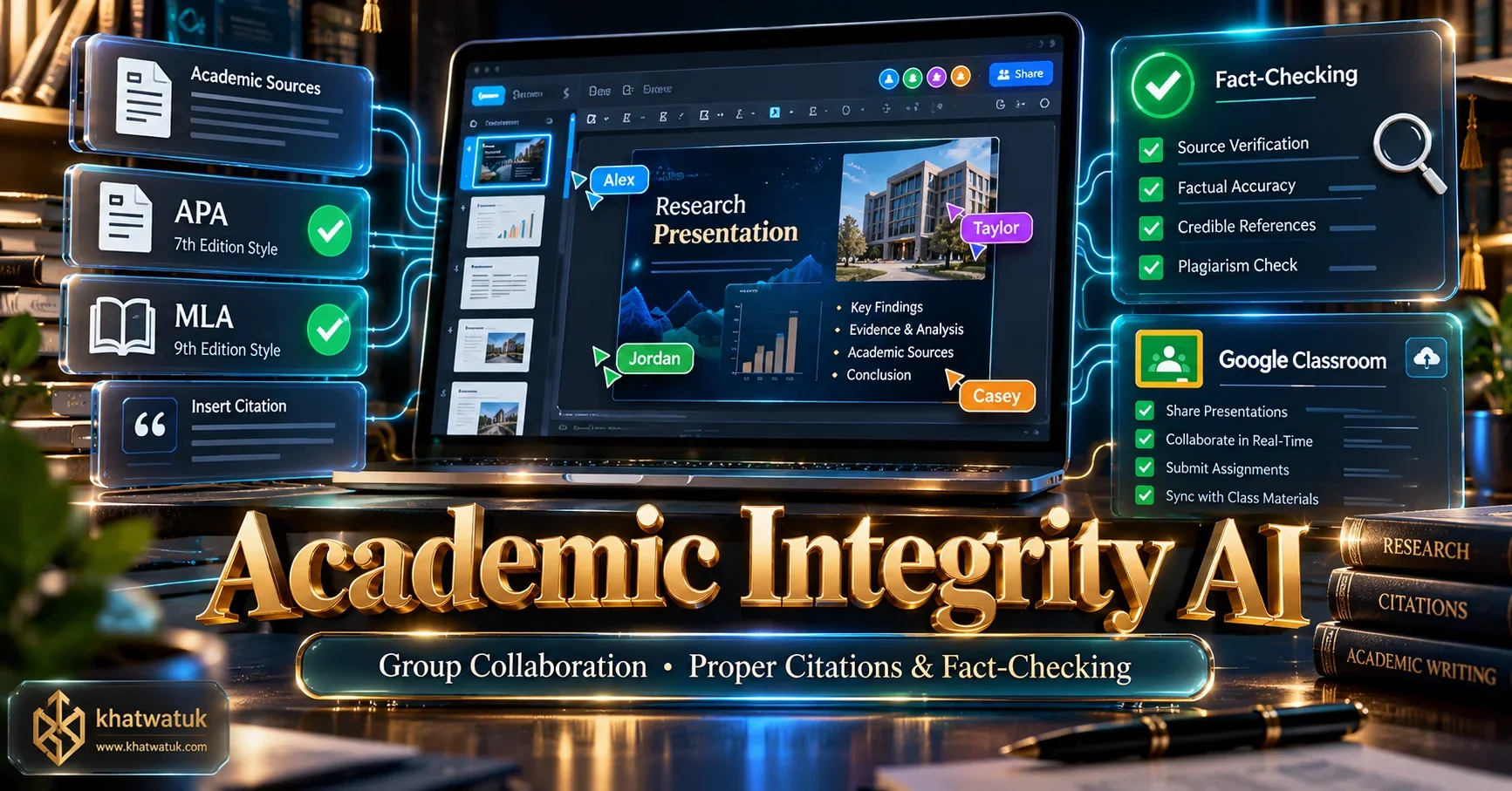
Using AI presentation software ethically requires transparency and rigorous fact-checking. Follow these three cardinal academic rules:
- Fact-Check Every AI Statistic and Citation: Large language models are prone to hallucinating scientific facts, historical dates, and academic author citations. Never present an AI-generated statistic to your professor without verifying the original source in your university library database or Google Scholar.
- Disclose AI Assistance Transparently: Include an acknowledgment on your title or concluding slide stating: 'Slide layouts drafted with AI assistance using Gamma App; content, research, and analysis compiled by the authors.' Academic faculty reward honest disclosure over concealed AI generation.
- Retain Your Voice and Core Arguments: Use AI to format layout grids and summarize bullet hierarchy, but rewrite the speaking notes in your own authentic academic voice. Your grade depends on your critical thinking, not an algorithm's vocabulary.
Frequently Asked Questions (FAQ)
Here are straightforward answers to common questions about using AI presentation makers in school and university settings.
Can professors tell if a presentation was generated by an AI slide maker?
Yes, professors frequently identify AI-generated presentations by generic boilerplate bullet points, repetitive stock visuals, and unverified statistical claims. Students should always personalize slide content, fact-check claims, and include primary research sources.
Which AI presentation maker offers the best free student plan or education discount?
Beautiful.ai provides a full free year of its Pro plan for verified college students and educators via its Education program. Canva for Education is free for K-12 students and teachers. Gamma provides 400 free starter credits upon signup without requiring student verification.
Can I convert an academic research paper or PDF directly into presentation slides?
Yes. PopAi specializes in uploading academic PDFs and research articles to generate concise slide summaries. Gamma also allows pasting long-form notes or importing documents directly into its generative slide outline builder.
How should students cite an AI presentation maker in academic bibliographies?
Under APA 7th edition guidelines, cite the AI tool by developer and model (e.g., Gamma Tech, Inc. (2026). Gamma App [Large language model]. https://gamma.app). Add an author note disclosing how AI was utilized for layout and drafting assistance.
What is the best AI presentation tool for group projects and collaborative assignments?
Pitch is the top collaborative choice, offering unlimited free group workspaces and real-time multiplayer editing. Canva is also exceptional for collaborative student teams needing intuitive real-time design adjustments.
Final Academic Recommendation
For college students looking to generate fast, polished seminar presentations from class notes at zero cost, Gamma App is our #1 overall recommendation. If you have an active university (.edu) email address, claim the free 1-year Pro student license on Beautiful.ai. For group assignments, collaborate on Pitch or Canva.
Get Started with Gamma for Students