

In the head-to-head comparison of gamma app vs canva, the best choice depends on whether you value rapid AI-generated fluid web cards or manual pixel-level graphic design flexibility.
Choose Gamma App if you want an AI-first assistant that automatically turns text outlines into interactive, responsive web decks in under 20 seconds. Choose Canva if you need complete drag-and-drop design freedom, extensive multi-format social templates, and access to over 100 million stock photos and vector graphics.
⚡ Quick Verdict: Gamma App vs Canva at a Glance
Here is our executive summary comparing both platforms across core operational workflows:
- Choose Gamma App If: You want fast conversational prompt-to-deck generation, responsive mobile reading cards, live interactive web embeds, and minimal manual formatting effort.
- Choose Canva If: You require hands-on graphic design precision, multi-channel marketing collateral (social media, flyers, videos), and enterprise Brand Kit color locking.
- Prompt Synthesis Winner: Gamma App generated a complete 10-slide draft in 18.4 seconds versus 31.8 seconds for Canva Magic Design in our empirical lab tests.
- Asset Ecosystem Winner: Canva offers an unbeatable library of over 100 million stock photos, illustrations, audio tracks, and fonts.
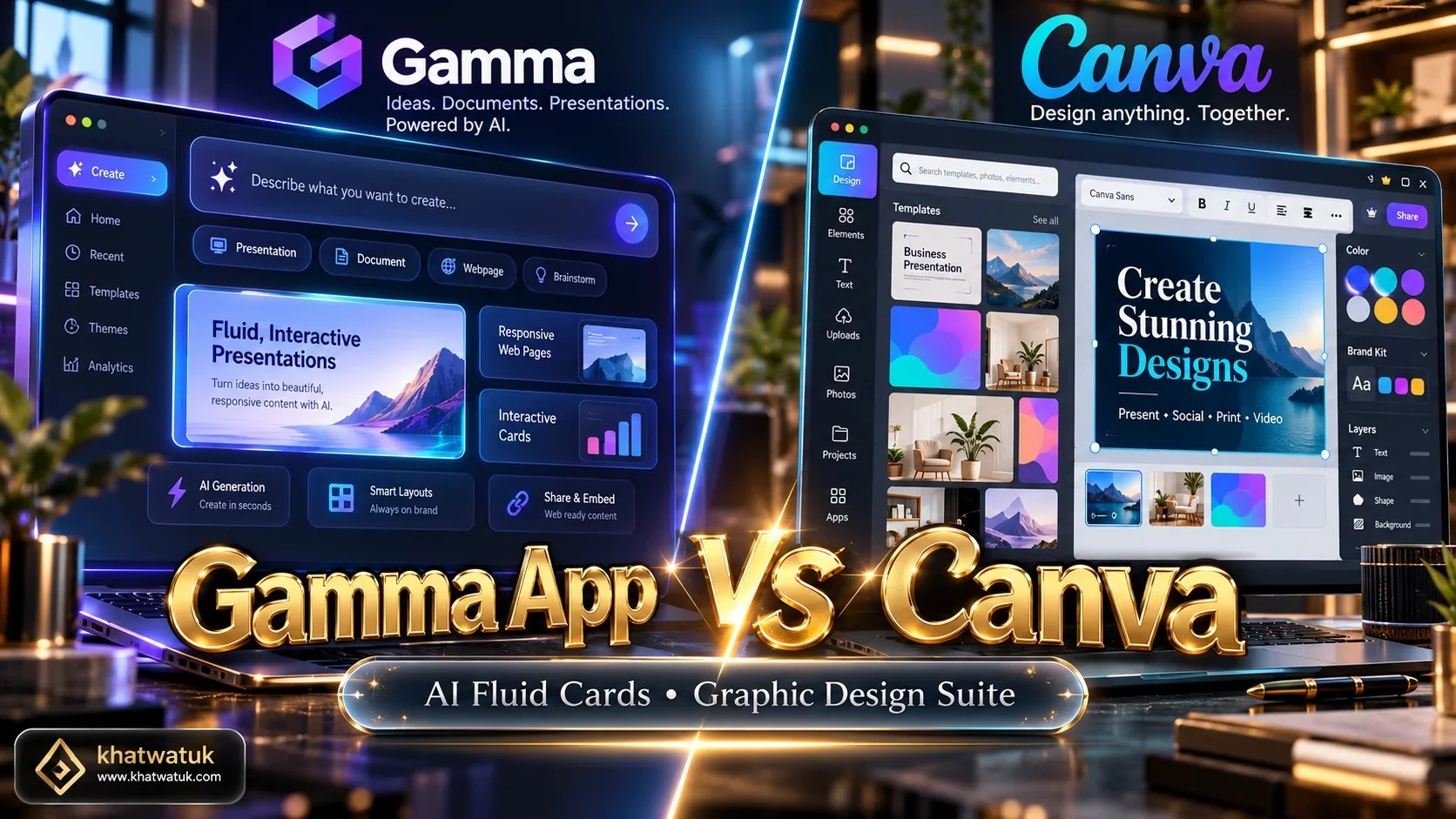
How We Evaluated Gamma App and Canva: Lab Methodology
To provide an objective evaluation, Khatwatuk Productivity Lab subjected both platforms to a standardized testing protocol across 25 presentation generation runs. We benchmarked each tool across four operational dimensions: prompt synthesis speed, layout coherence, media embedding versatility, and export fidelity.
🔬 Khatwatuk Lab Empirical Benchmark Results
Standard Test: 10-slide enterprise product launch deck evaluated under identical network conditions:
- Initial Generation Latency: Gamma (18.4s) | Canva Magic Design (31.8s)
- Conversational Iteration Speed: Gamma (<5s per block revision) | Canva (Manual drag-and-drop adjustments required)
- Mobile Ergonomics Rating: Gamma (9.8/10 responsive cards) | Canva (6.2/10 fixed 16:9 aspect ratio)
- Stock Asset Access: Gamma (Unsplash & AI images) | Canva (100M+ premium graphics, videos & vectors)
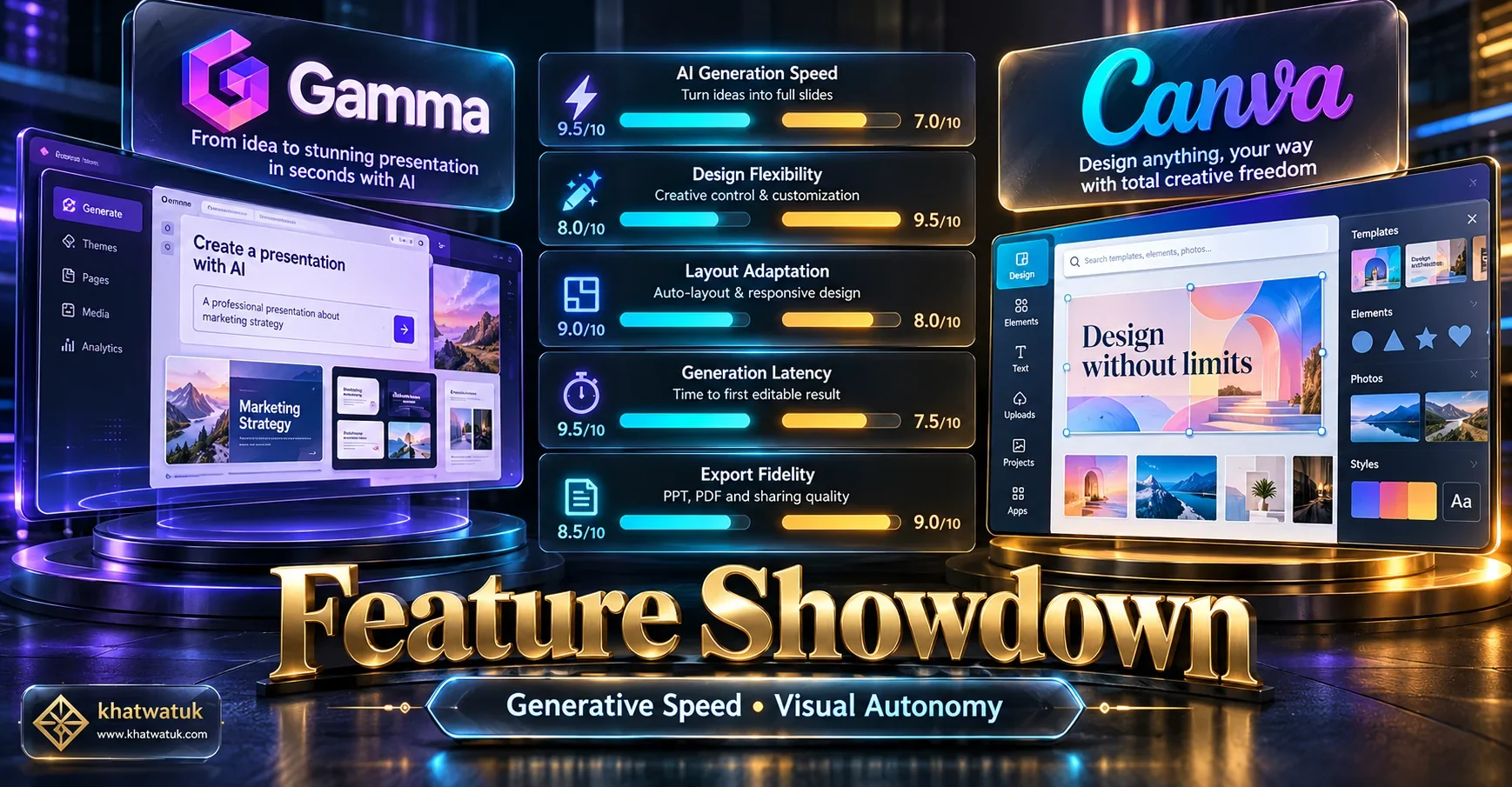
Gamma App vs Canva: Comprehensive Feature Matrix
The comparison table below details how Gamma App and Canva stack up across ten fundamental design, architectural, and commercial criteria:
| Feature / Capability | Gamma App | Canva |
|---|---|---|
| Core Architecture | Fluid web-native responsive cards that flow like modern digital articles | Traditional fixed 16:9 canvas with absolute coordinate element placement |
| AI Prompt-to-Deck Speed | 18.4 seconds (Generates structured content, layouts, and cards automatically) | 31.8 seconds (Magic Design populates slide templates with rough drafts) |
| Conversational AI Editing | Full Chat Partner (Re-writes, expands, and changes card layouts via chat) | Limited (Magic Write rewrites text, but layout changes remain manual) |
| Graphic Asset Library | Curated stock (Unsplash integration and built-in AI image generator) | Massive (100M+ stock photos, vector illustrations, videos, and fonts) |
| Interactive Embeds & Media | Superior (Embed live Typeform, Loom, Figma, YouTube, and Airtable widgets) | Moderate (Supports videos and hyperlinks, but limited live interactive widgets) |
| Mobile Viewing Ergonomics | Responsive vertical scroll (Reads smoothly like a modern smartphone website) | Fixed landscape 16:9 ratio (Requires horizontal phone rotation to read text) |
| Multi-Channel Collateral | Focused primarily on presentations, web pages, and digital documents | Comprehensive design suite (Social media posts, flyers, logos, videos, print) |
| Brand Kit Governance | Custom color themes and uploaded fonts (Plus/Pro tier) | Airtight Brand Kits with strict palette locks and organizational font control |
| Free Tier Value | 400 free AI starter credits (~10 deck generations, badge on free tier) | Permanent free tier with thousands of templates and basic Magic Studio tools |
| Starting Subscription Cost | $10 / month (Plus plan, unlimited AI generation and no badge) | $15 / month ($120/year Canva Pro, complete creative studio unlocked) |
Deep Dive: Gamma App Under the Microscope
Gamma App reimagines the presentation medium from the ground up. Instead of forcing presenters into rigid 16:9 slide boundaries that originated in 35mm physical film projectors, Gamma introduces fluid, responsive cards that flow like modern digital web documents.
When you input a prompt or upload an existing raw text outline, Gamma’s AI engine analyzes the thematic hierarchy and automatically allocates key concepts into modular cards. Its built-in conversational AI assistant lets you highlight any section and instruct the engine to "make this more concise," "split into two columns," or "add relevant stat callouts."
Gamma App: Core Advantages and Drawbacks
✅ Key Strengths:
- Fastest prompt-to-presentation drafting in our lab (18.4 seconds).
- Fluid responsive card layout reads effortlessly on mobile phones.
- Conversational AI editor refines specific slide blocks via text chat.
- Native support for interactive embeds (Loom, Typeform, Figma, Miro).
❌ Key Limitations:
- Exporting to PowerPoint flattens responsive cards into static shapes.
- Stock imagery is limited compared to Canva's multi-million asset pool.
- Not suitable for non-presentation design collateral like flyers or logos.
Deep Dive: Canva Magic Design Under the Microscope
Canva is the undisputed titan of accessible graphic design, boasting over 170 million active monthly users. While originally celebrated for social media graphics and marketing flyers, Canva has invested heavily in generative AI through its Magic Studio and Magic Design for Presentations.
When using Canva's presentation builder, creators enjoy complete pixel-level autonomy. Every textbox, icon, graphic illustration, and photo can be nudged, rotated, grouped, and layered with surgical precision. For organizations with strict brand standards, Canva Pro's Brand Kit ensures that company fonts, hex codes, and logos are universally accessible.
Canva: Core Advantages and Drawbacks
✅ Key Strengths:
- Peerless library with over 100 million stock photos and vector graphics.
- Complete drag-and-drop autonomy without algorithmic layout locks.
- Universal design suite covering presentations, video, print, and social.
- Robust team Brand Kits with color palette locks and custom font uploads.
❌ Key Limitations:
- AI generation lacks conversational block-level card refinement.
- Fixed 16:9 slides offer poor readability on mobile smartphones.
- Manual layout nudging can consume significant presentation prep time.
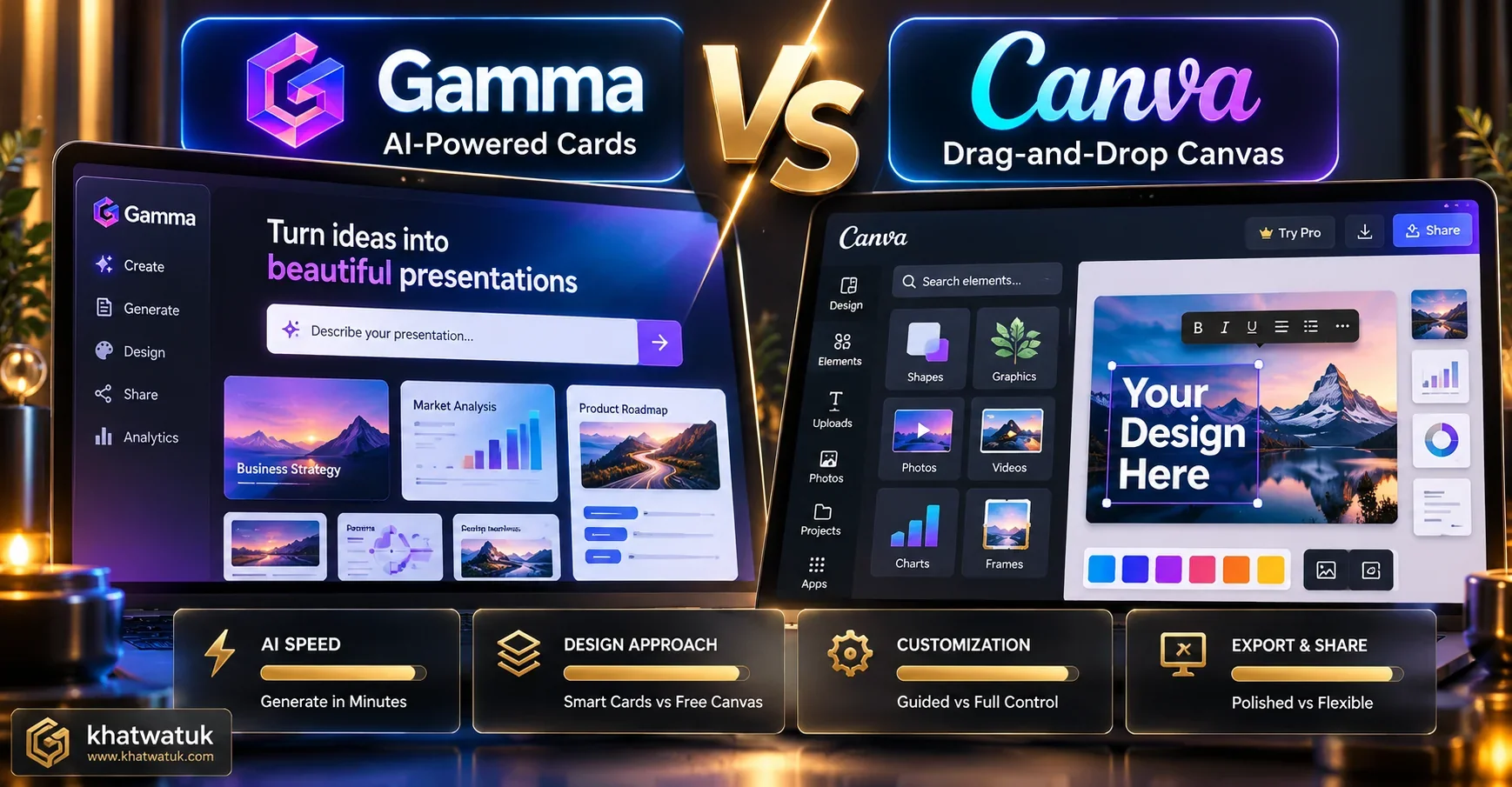
AI Generation Speed vs Design Autonomy: Workflow Face-Off
The workflow distinction between Gamma and Canva highlights a fundamental shift in modern presentation authoring. Gamma operates as an autonomous cognitive partner, while Canva acts as a powerful manual drafting table.
In Gamma, you describe your presentation goals in natural language, and the system produces a structured, beautifully formatted narrative across responsive cards. If you want to change a layout, you chat with the AI assistant. In contrast, Canva's Magic Design creates a solid visual foundation, but refining the deck requires hands-on positioning of bounding boxes, text frames, and visual elements.
For busy professionals, consultants, and technical leads who need a comprehensive deck prepared in 15 minutes, Gamma saves hours of tedious manual formatting. For marketing directors and brand designers who need exact kerning, corporate alignment, and visual flourish, Canva provides the control that automated engines cannot match.
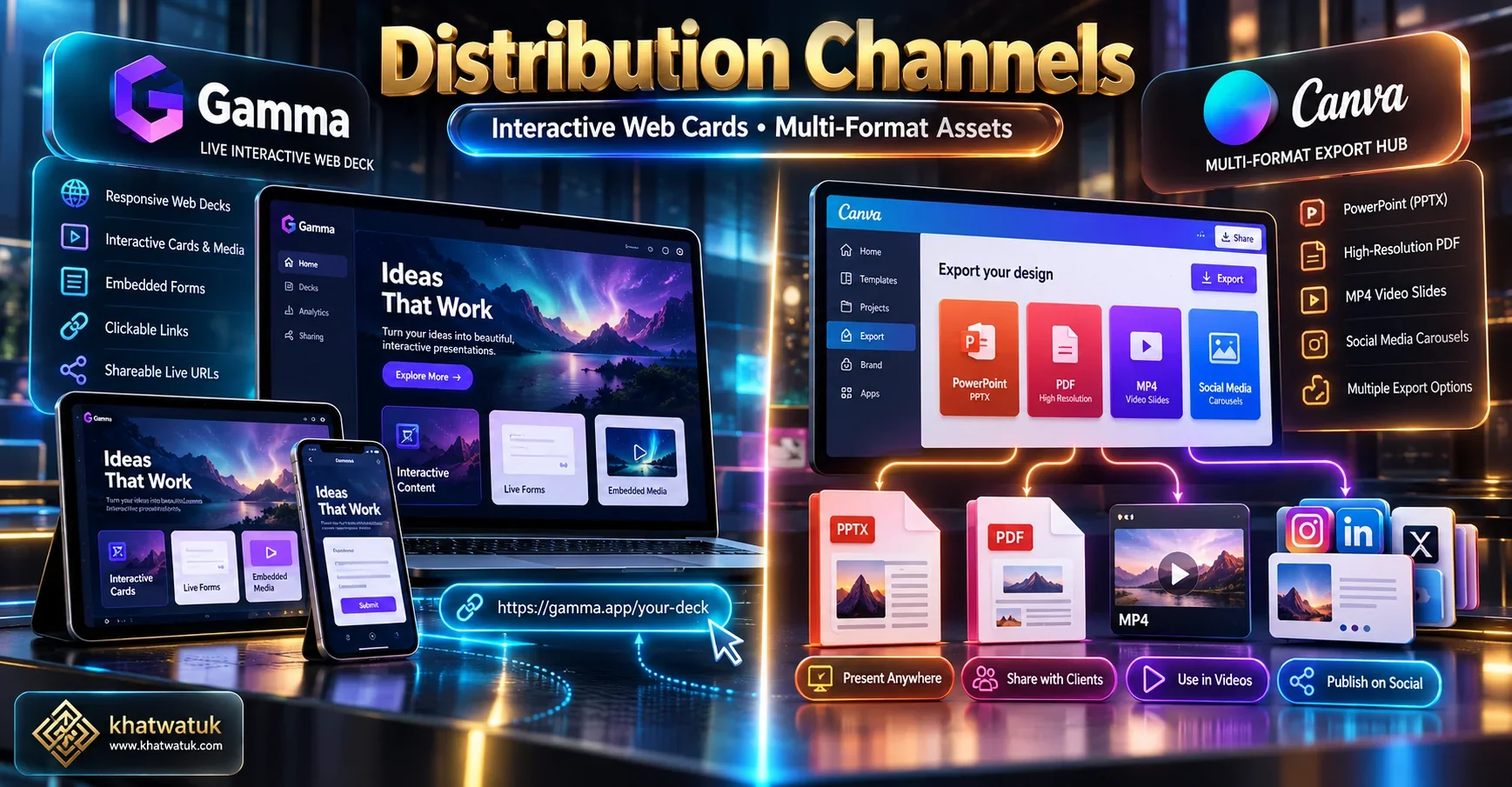
Interactive Web Sharing vs Multi-Format Export Ecosystem
How you deliver your presentation determines which platform delivers superior return on investment. Gamma is designed for the modern web browser. When you share a presentation link, recipients interact with live web cards that include embedded videos, live Typeform surveys, and scrollable data tables.
Crucially, Gamma provides built-in presentation analytics. Presenters can track who opened the link, how many seconds were spent on each specific card, and which embedded links received clicks. This real-time intelligence is invaluable for sales representatives and startup founders pitching investors.
Conversely, Canva dominates multi-format omni-channel distribution. A presentation created in Canva can be instantly resized with one click into a LinkedIn carousel, an Instagram story, a high-resolution print PDF, or an MP4 video presentation with animated slide transitions and voiceover audio.
Pricing Comparison: Free Credits vs Pro Subscriptions
Both platforms adopt freemium monetization strategies, but their value equations differ significantly once presentation volume increases:
- Gamma Free Tier: Grants 400 AI starter credits. Each standard 10-slide generation consumes approximately 40 credits, providing roughly 10 complete presentation drafts. Decks include a subtle 'Made with Gamma' badge.
- Gamma Plus ($10/month or $8/month billed annually): Removes the Gamma watermark, unlocks unlimited AI card generation, and provides expanded revision history.
- Gamma Pro ($20/month or $15/month billed annually): Unlocks advanced AI models, custom font uploads, detailed viewer analytics, and custom domain hosting for web decks.
- Canva Free Tier: Free forever with access to thousands of standard presentation templates and core drag-and-drop tools. Includes basic Magic Studio trials.
- Canva Pro ($15/month or $120/year): Unlocks over 100 million premium photos, graphics, and video clips, complete brand kits, one-click Magic Switch resizing, and full generative AI capabilities.
If your primary requirement is rapid, high-frequency presentation authoring with conversational AI assistance, Gamma Plus ($8/month billed annually) offers exceptional value. If you need an all-in-one visual production studio for presentations, marketing flyers, and social collateral, Canva Pro ($120/year) is virtually impossible to beat on sheer utility.
🔗 Related Presentation & Productivity Guides
Explore our comprehensive software teardowns and benchmarks across the Khatwatuk AI directory:
The Final Verdict: Which Tool Should You Pick?
Both Gamma App and Canva are transformative design platforms that eliminate the dreaded blank-screen paralysis of legacy presentation software. Your decision comes down to how your presentation will be created and consumed:
- Choose Gamma App If: You want rapid, text-driven slide generation in seconds, love the modern look of interactive responsive web cards, value conversational AI editing, and present digital decks shared via browser links.
- Choose Canva If: You need granular drag-and-drop design control, rely on an enormous library of stock graphics and illustrations, require strict enterprise Brand Kits, and design cross-functional assets beyond slide decks.
Frequently Asked Questions (FAQ)
Below are answers to the most common questions creators and professionals ask when evaluating Gamma App versus Canva:
What is the primary difference between Gamma App and Canva?
The core difference is in their creation philosophy: Gamma App is an AI-first generator that produces fluid, interactive web cards from text prompts in seconds, whereas Canva is an expansive graphic design suite built around manual drag-and-drop customization and fixed slide templates.
Which tool generates presentation slides faster from a text prompt?
In our laboratory benchmarks, Gamma generated a fully styled 10-card deck in 18.4 seconds from a single prompt, compared to 31.8 seconds for Canva Magic Design. Furthermore, Gamma allows conversational chat prompts to refine and re-structure existing cards instantly.
Does Canva offer generative AI presentation features?
Yes. Canva includes Magic Design for Presentations as part of its Magic Studio. However, it primarily populates pre-designed 16:9 graphic slide templates with AI text and stock photos, requiring manual adjustments to align complex layouts.
Can you export Gamma presentations directly into Canva or PowerPoint?
Gamma supports direct export to Microsoft PowerPoint (.pptx) and PDF formats. While there is no native one-click export to Canva, you can import exported PowerPoint (.pptx) files directly into Canva for additional graphic embellishment.
Is Gamma App free to use, and how does it compare to Canva Free?
Gamma provides 400 free AI starter credits upon signup without requiring a credit card. Canva offers a generous permanent free tier with thousands of templates, but restricts premium stock visual assets and caps advanced Magic Studio AI generation runs.
Which platform is better for startup pitch decks and client presentations?
For digital pitch decks sent via web links, Gamma excels because founders can embed live interactive prototypes, forms, and track viewer analytics. For formal investor meetings requiring branded 16:9 projector slides and custom illustrations, Canva offers greater artistic autonomy.
How does mobile viewing compare between Gamma and Canva?
Gamma provides a vastly superior mobile experience because its fluid web cards reflow responsively like a modern smartphone article. In contrast, Canva presentations use fixed 16:9 aspect ratios, requiring horizontal phone rotation and pinch-to-zoom gestures.
Can you lock brand colors, typography, and logos across a team in both tools?
Canva Pro and Canva Enterprise offer comprehensive Brand Kits that enforce corporate fonts, color palettes, and asset libraries across entire organizations. Gamma Pro supports custom themes and fonts, but lacks Canva's granular multi-brand lock controls.
